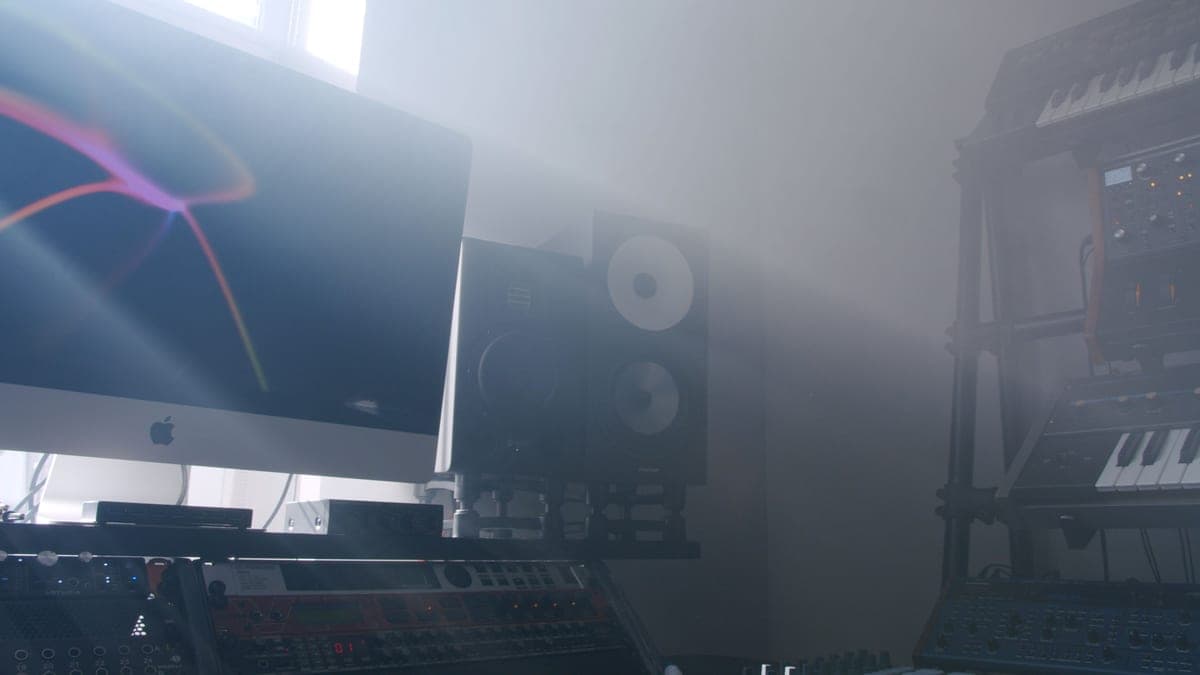
No, in almost every case. Every studio monitor on this site is active — the amplifiers are inside the cabinet, often one per driver. A Yamaha HS5 is bi-amped at 45 W for the woofer and 25 W for the tweeter. What monitors do need is a line-level signal, which means an audio interface or another device with balanced line outputs — not a hi-fi amplifier and not a headphone socket.
The question is a good one and it comes from a real place: hi-fi speakers do need an amplifier, so it is reasonable to assume studio speakers do too. Studio monitoring went the other way decades ago, and understanding why explains what you actually have to buy.
Active, powered, passive: what the words mean
- Active (or powered). Amplifier built into the cabinet. You feed it a line-level signal and it does the rest. Every monitor on this site is one of these.
- Bi-amped. An active monitor with a separate amplifier per driver, so the crossover happens before amplification rather than after. The Yamaha HS5's 45 W plus 25 W is this.
- Passive. No amplifier. Needs an external power amplifier and speaker cable. Rare at nearfield sizes now, common in large installed systems.
Bi-amping is the reason the industry moved. Matching an amplifier to a driver it will always be connected to is a far easier engineering problem than building one amplifier that has to suit whatever a customer plugs in, and it lets the designer put the crossover in the electronics instead of in a passive network after the amp. That is why a 70 W active monitor can outperform a passive speaker fed by a much larger amplifier.
What you do need: a line-level source
An active monitor expects line level on a balanced connection — XLR or TRS jack. The cleanest way to provide that is the pair of balanced outputs on an audio interface, which also gives you a monitor volume control in a sensible place and keeps the whole signal path balanced.
You can drive monitors from a headphone output with the right adapter, and plenty of people start that way. It works and it costs you two things: the headphone output is unbalanced, so you lose the noise rejection that balanced cabling exists for, and its level control is usually sharing a circuit designed for headphones rather than for line drive. If the monitors are a long cable run from the computer, that difference stops being theoretical. Do I need an audio interface is the fuller answer, and audio interface vs DAC covers the listening-only case.
What to look for when you check
- A power cable. If the monitor has an IEC socket and a power switch, it is active. Each speaker needs its own mains outlet.
- An XLR or TRS input per speaker. Active monitors take one signal each, left and right, with no left-right link.
- A published amplifier wattage. Manufacturers only quote amplifier power for speakers that contain an amplifier.
- Speaker binding posts and nothing else. That is a passive speaker, and it needs an amplifier you do not yet own.
Active monitors, with the amplifier in the price
Three active nearfields in the same size class, all bought as a complete amplified system. Pick on voicing and placement, not on wattage — these figures are not comparable across designs.
Yamaha HS5
Top pickYamaha · The flat midrange reference for a small room
The right monitor for an untreated or lightly treated small room, precisely because it does not pretend to have low end your room could not reproduce honestly anyway. If you need to hear below 74 Hz, add a treated room before you add a bigger speaker.
Why it is here
- The honest -3 dB figure of 74 Hz tells you what it will not do, which is rarer than it should be
- Midrange is flat and unflattering, which is the entire job of a monitor
- Small enough to sit at ear height on a desk without dominating the room
What it costs you
- Nothing below about 74 Hz, so you mix low end by trust rather than by ear
- Unforgiving — a rough mix sounds rough, which some people hate
- Rear port needs clearance from the wall
JBL 305P MkII
JBL · The widest usable sweet spot at the price
The right monitor when your listening position is not, and cannot be, the textbook equilateral triangle. If you can sit properly centered, the HS5's flatter midrange is the more useful reference.
Why it is here
- 49 Hz at +/-3 dB from a 5-inch driver is a genuinely good result
- The waveguide gives a wide, stable sweet spot, which forgives a desk you cannot center yourself at
- Magnetically shielded, so it can sit beside a monitor without buzzing
What it costs you
- 108 dB peak SPL is the lowest headroom in this group
- Slightly hyped low end compared with the HS5's flat presentation
- Plastic cabinet
Kali Audio LP-6 V2
Kali Audio · The most low end per dollar, with boundary EQ
The best value here if you set the boundary EQ honestly and have corner traps in. In a bare bedroom with the switches left at default, the extra low end makes your mixes worse, not better, and the HS5 is the wiser buy.
Why it is here
- 47 Hz at +/-3 dB is real low end, not a marketing figure
- Boundary EQ switches on the back are the only honest answer to a speaker jammed against a wall
- 115 dB max SPL means huge headroom for a desk speaker
What it costs you
- That low-end reach is a liability in an untreated room — you will chase room modes, not mix decisions
- 6.5-inch driver in a small room needs the boundary EQ set correctly or it is worse than an HS5
- Paper cone is more fragile than the alternatives
Why the wattage number is the wrong thing to shop on
70 W, 82 W, 80 W. On the face of it these three are interchangeable, and the numbers tell you very little. Amplifier power in an active monitor is matched to the drivers and the cabinet, so a higher figure is not more volume or more quality — it is a different engineering choice about a different speaker.
What is worth comparing is the published frequency response with its tolerance, the maximum SPL, and whether there are placement controls for where the speaker will actually sit. Best 5-inch studio monitors ranks on those instead, and 5-inch vs 8-inch studio monitors covers the size decision that does change what you hear.
The exceptions, briefly
- Passive nearfields. They exist, mostly second-hand and mostly older designs. If you buy a pair, budget for an amplifier and accept that matching it well is now your problem.
- A separate headphone amplifier. Not for the monitors — for your headphones, if your interface's output is weak into high-impedance cans. Best headphones for mixing.
- A subwoofer. It is active too, and it sits between the interface and the monitors rather than needing its own amp. Do you need a subwoofer in a home studio — usually not, in a small room.
Once the monitors are powered and fed, the next thing standing between you and hearing them properly is where they sit: tweeter at ear height, pointed at your head, decoupled from the desk. Monitor isolation pads vs stands is the cheapest meaningful improvement available, and it costs a fraction of an amplifier you do not need.