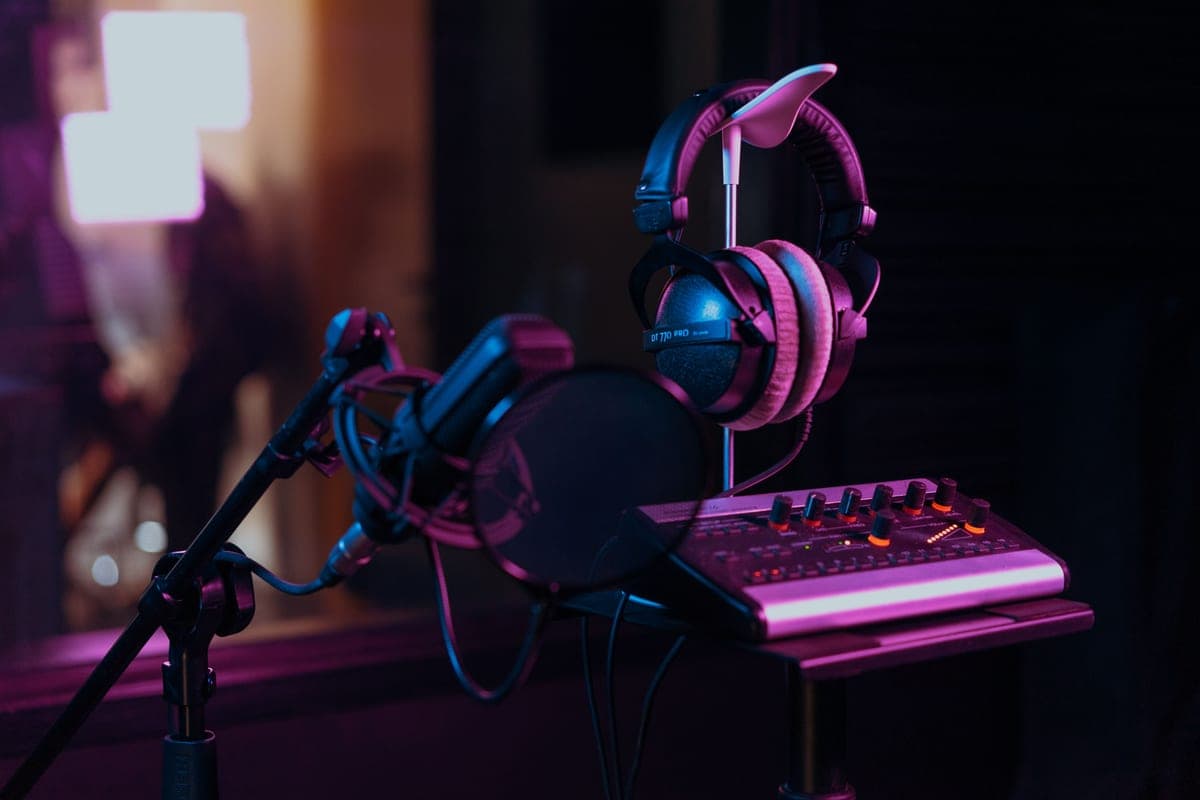
The SSL 2+ MKII is the right two-channel interface for recording with another person: two mic preamps with 64 dB of gain and two independent headphone outputs, which is the feature that actually makes a two-person session workable. The Scarlett 2i2 wins on gain at 69 dB if you are recording two sources but only ever monitoring alone.
Note the Audient iD4 MKII is absent from this page despite having two headphone outputs, because it has only one mic input — it is in best interfaces under $200 where it belongs. And if two people is really four, an interface is the wrong category: see RodeCaster Pro II vs Zoom PodTrak P4.
The five two-channel interfaces, ranked
SSL 2+ MKII
Top pickSolid State Logic · Two headphone outs and a console voicing
Buy it for the second headphone output if you record with anyone else in the room — that single feature is worth the premium. For solo work the 2i2 gives you more gain for less money.
Why it is here
- 64 dB of gain clears an SM7B without a booster
- Two independent headphone outputs is the feature that makes a two-person recording workable
- The 4K switch is a real, usable top-end lift rather than a marketing mode
What it costs you
- Costs meaningfully more than a 2i2 for 5 dB less gain
- Four outputs are wasted if you only own one pair of monitors
- Larger footprint than the rest of this group
Focusrite Scarlett 2i2 (4th Gen)
Focusrite · The most gain per dollar in a two-input box
The default answer for someone buying an SM7B or PodMic: it supplies enough clean gain that you never need a booster, which makes it the cheaper total purchase even when it is not the cheaper box. Look elsewhere only if you need MIDI or four outputs.
Why it is here
- 69 dB is the most gain of any interface at this price, and enough for an SM7B with headroom to spare
- 120 dB dynamic range means the converters are not the weak link
- Two inputs, so a second person does not mean a second purchase
What it costs you
- Air mode is a fixed voicing, not an EQ you can dial
- Plastic-and-metal build feels less solid than the SSL or Audient competition
- No MIDI, which matters if you also play keys
Audient EVO 4
Audient · Anyone who keeps getting gain-staging wrong
The pick for a second host on a budget, or for anyone whose recordings keep coming back too quiet. Not the pick if your mic is an SM7B, where the gain ceiling forces a booster.
Why it is here
- Smartgain removes the single most common beginner mistake in one button
- Two mic preamps at the price of most one-input boxes
- Genuinely small and bus-powered
What it costs you
- 58 dB again falls short of an SM7B's appetite
- Single encoder for everything means more button-pressing than knob-turning
- Plastic build
Universal Audio Volt 2
Universal Audio · A hardware color option on the way in
Buy it if you want character on the way in and your mic is a condenser or a hot dynamic. With a low-output broadcast dynamic, 55 dB means a booster, and that changes the price comparison entirely.
Why it is here
- Vintage mode is a real analog-style color, not a plug-in you could add later
- Two combo inputs and a clean, legible front panel
- The UA software bundle is worth actual money
What it costs you
- 55 dB is the lowest gain ceiling in this group and the least SM7B-friendly
- 112 dB dynamic range trails the Focusrite and MOTU converters
- Vintage mode is a commitment printed into the recording
Arturia MiniFuse 2
Arturia · Mic inputs plus MIDI in one small box
The right buy if you record voice and play keys and want one box for both. If voice is the only job and the mic is low-output, the gain ceiling makes it the wrong tool.
Why it is here
- MIDI I/O at this price is rare and saves a separate interface
- The USB passthrough port is a genuinely thoughtful touch on a crowded laptop
- Two combo inputs
What it costs you
- 56 dB is not SM7B territory
- 110 dB input dynamic range is the lowest here
- Bundle software is less useful than UA's
What we did not pick, and why
- Interfaces with two combo inputs where only one has a mic preamp. Read the specification carefully — a combo jack is not a promise of a preamp behind it.
- Four-input interfaces. If you need four microphones you need four headphone feeds too, and that points at a podcast recorder rather than an interface.
- Headphone splitters as a solution to the one-output problem. They work, but both people get the same mix at the same level, and cheap passive splitters drop level into low-impedance headphones. It is a workaround, not a fix.
- Interfaces without independent phantom power per channel. With two different microphones — one dynamic, one condenser — shared phantom switching becomes a daily annoyance.
Pair it with
- Two microphones with strong rejection. Two open condensers in one room hear each other. Best dynamic microphones for vocals explains why dynamics are the right choice for a shared room.
- Closed-back headphones for both of you. Open-backs leak into a live microphone two feet away. Best headphones for mixing covers which is which.
- A second arm or stand. Best boom arms.
- The full setup walkthrough. Two-person podcast setup.
How to choose
- Will two people wear headphones at the same time? If yes, the SSL 2+ MKII is the answer and the rest of this list is for a different problem.
- If monitoring is solo — you recording yourself and an instrument, say — take the Scarlett 2i2 for the extra 6 dB of gain.
- If your co-host cannot set levels, the EVO 4's Smartgain is worth more than the gain difference.
- If one of the two channels is a keyboard, the MiniFuse 2's MIDI is the practical win.
- Only take the Volt 2 if you want its vintage preamp mode and your microphones are hot enough for 55 dB.