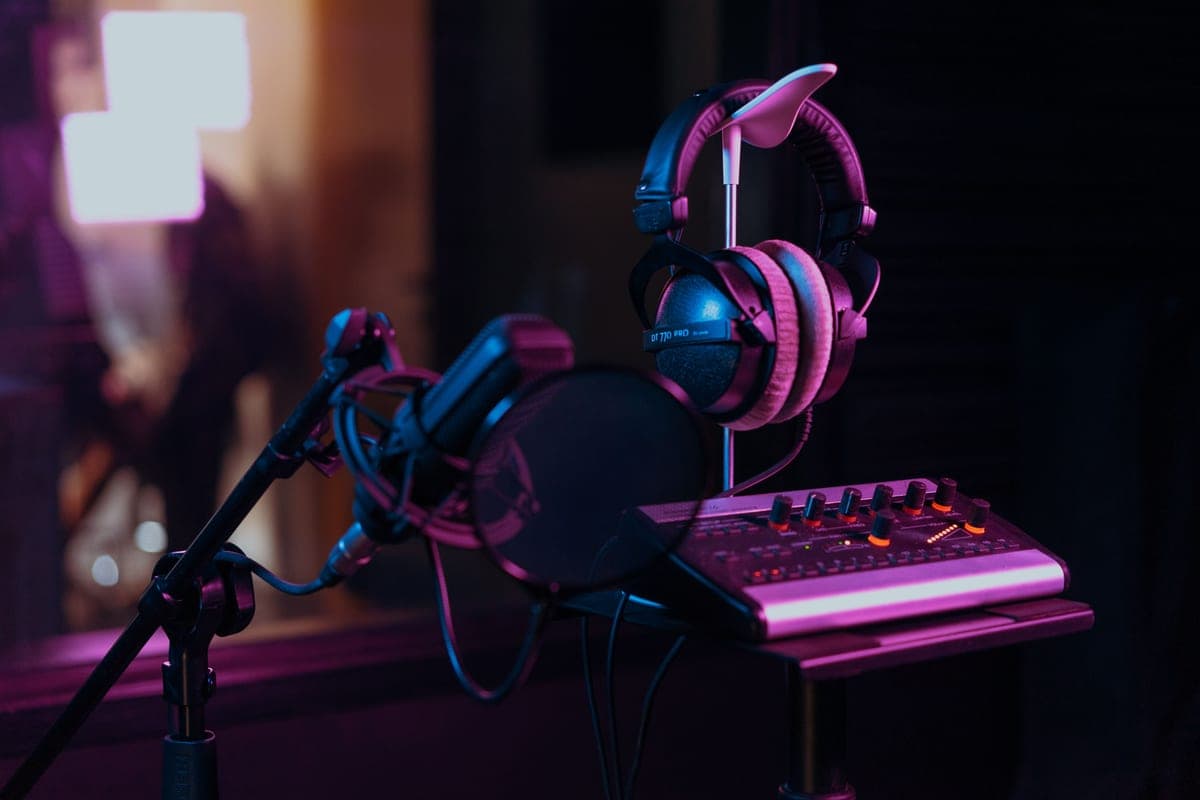
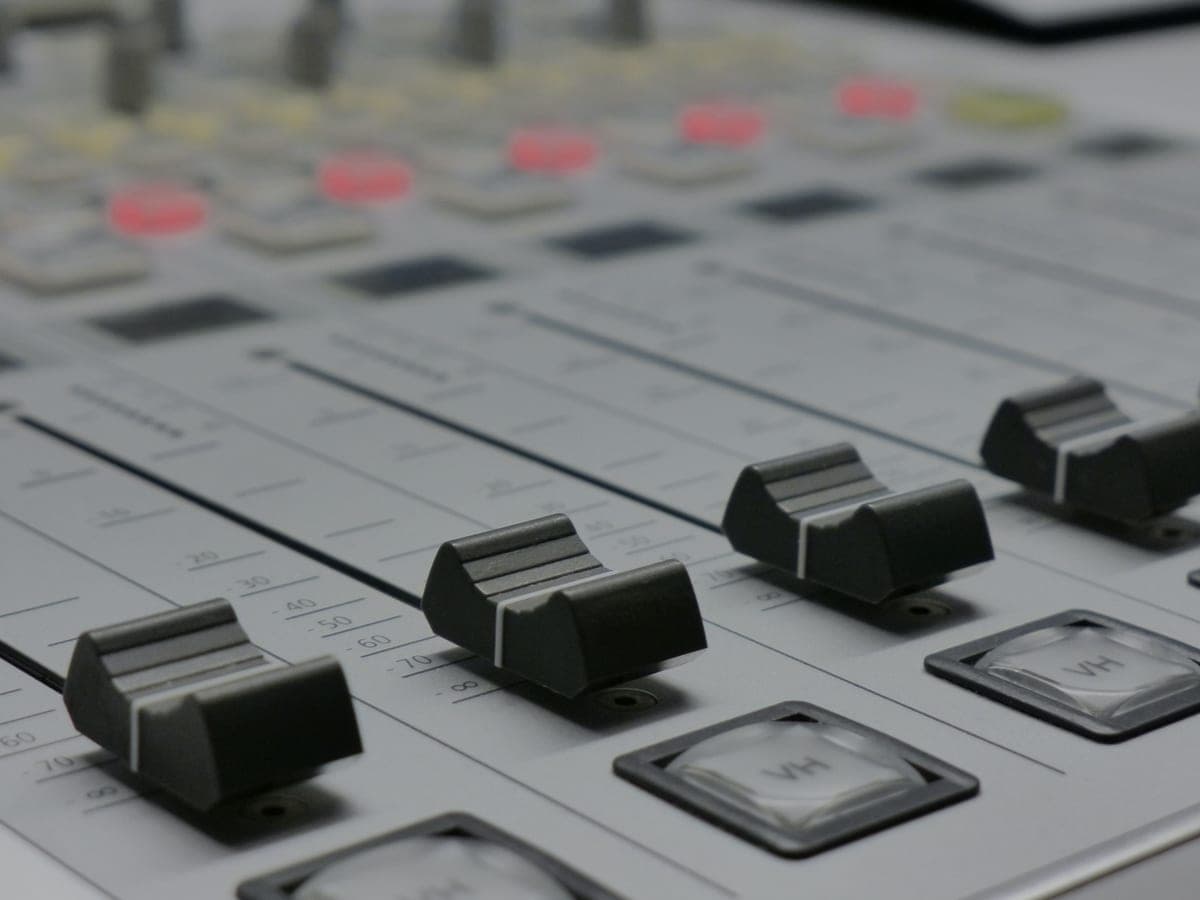
The difference that matters: an audio interface sends each microphone to your computer as its own track, so you can fix one person's level afterwards. A traditional analog mixer sends a single stereo mix, so every level decision is permanent. A USB mixer or recorder may do either — you have to check.
Why the multitrack row decides it
Picture a two-person recording where your guest got excited and clipped for ninety seconds. On an interface, their track is a separate file and you fix it in the edit. On an analog mixer, their clipping is summed into the same stereo file as your voice, and no plug-in separates them again.
That is not a theoretical risk, it is the single most common regret among people who bought a mixer for a podcast. Live mixing is a skill and a commitment: you are finishing the recording as it happens, with no undo. Unless you have a reason to need that, separate tracks are strictly more flexible.
When an interface is right
- One or two microphones, and you edit afterwards. This is most home recording.
- You want each source as a separate track, non-negotiably.
- You want the cheapest good-quality two-channel path — see best interfaces under $200.
- You are recording music, where fixing a take is the whole workflow.
When an analog mixer is right
- You are mixing for a live audience or a PA and the recording is secondary.
- You need many microphones cheaply and genuinely do not need them separated.
- You want physical EQ and faders and the tactile workflow that comes with them.
- You are already comfortable committing to decisions live.
When a USB mixer or recorder is right
- Three or more people, each of whom needs their own headphone feed. This is the real reason these devices exist.
- You want to record without a computer, so a crash cannot lose an episode.
- You want faders and live processing and isolated tracks — but check the specification carefully, because not all of them do both.
- See RodeCaster Pro II vs Zoom PodTrak P4 for the two that matter.
What to buy for each answer
One for each route
The interface for one or two voices with separate tracks, the battery-powered four-channel recorder, and the console for live mixing.
Focusrite Scarlett 2i2 (4th Gen)
Top pickFocusrite · The most gain per dollar in a two-input box
The default answer for someone buying an SM7B or PodMic: it supplies enough clean gain that you never need a booster, which makes it the cheaper total purchase even when it is not the cheaper box. Look elsewhere only if you need MIDI or four outputs.
Why it is here
- 69 dB is the most gain of any interface at this price, and enough for an SM7B with headroom to spare
- 120 dB dynamic range means the converters are not the weak link
- Two inputs, so a second person does not mean a second purchase
What it costs you
- Air mode is a fixed voicing, not an EQ you can dial
- Plastic-and-metal build feels less solid than the SSL or Audient competition
- No MIDI, which matters if you also play keys
Zoom PodTrak P4
Zoom · Four mics, four headphone outs, battery power
The best value in group podcast recording: four hot preamps and four headphone feeds is the whole job. Step up to the RodeCaster Pro II only if you need live mixing rather than multitrack capture.
Why it is here
- 70 dB of gain feeds four SM7Bs, which nothing else at this price does
- Four headphone outputs with individual level control — the actual bottleneck in group recording
- Runs on AA batteries, so it records anywhere
What it costs you
- No faders, no onboard EQ or compression
- Only 2 channels reach the computer over USB, so live-streaming four separate mics is out
- Plastic build and a small screen
Rode RodeCaster Pro II
Rode · A multi-guest show with no engineer
The right purchase when you regularly record three or four people and post-production time is your real constraint. For one or two voices an interface plus a DAW does the same job for a fraction of the money.
Why it is here
- 76 dB of gain and -131.5 dBV EIN means any microphone on this site works with room to spare
- Six physical faders and onboard processing let one person run a four-person show live
- Records multitrack to its own storage, so a laptop crash is not a lost episode
What it costs you
- Far more money than an interface, and most of it buys features a solo host never uses
- The onboard processing is a commitment unless you record raw tracks alongside
- Big, and it owns your desk
The gain question applies to all three
Whichever category you choose, the published mic-preamp gain still decides which microphones work. Podcast recorders tend to be generous — 70 dB on the PodTrak, 76 dB on the RodeCaster — while budget analog mixers often publish nothing at all. How much clean gain do you need applies across all three.