Monitors & Headphones
What you mix on decides every decision you make. Ranked on the specs that tell you what a small room can honestly reproduce.
Some links here are affiliate links: if you buy through one, we may earn a commission at no extra cost to you. It never changes the ranking — how this site is funded.
The picks, across the whole category
One per sub-category. Every figure is a published manufacturer spec with its source linked on the product's own page.
| # | Product | Key spec | Score | Price |
|---|---|---|---|---|
| Top pick.1 | 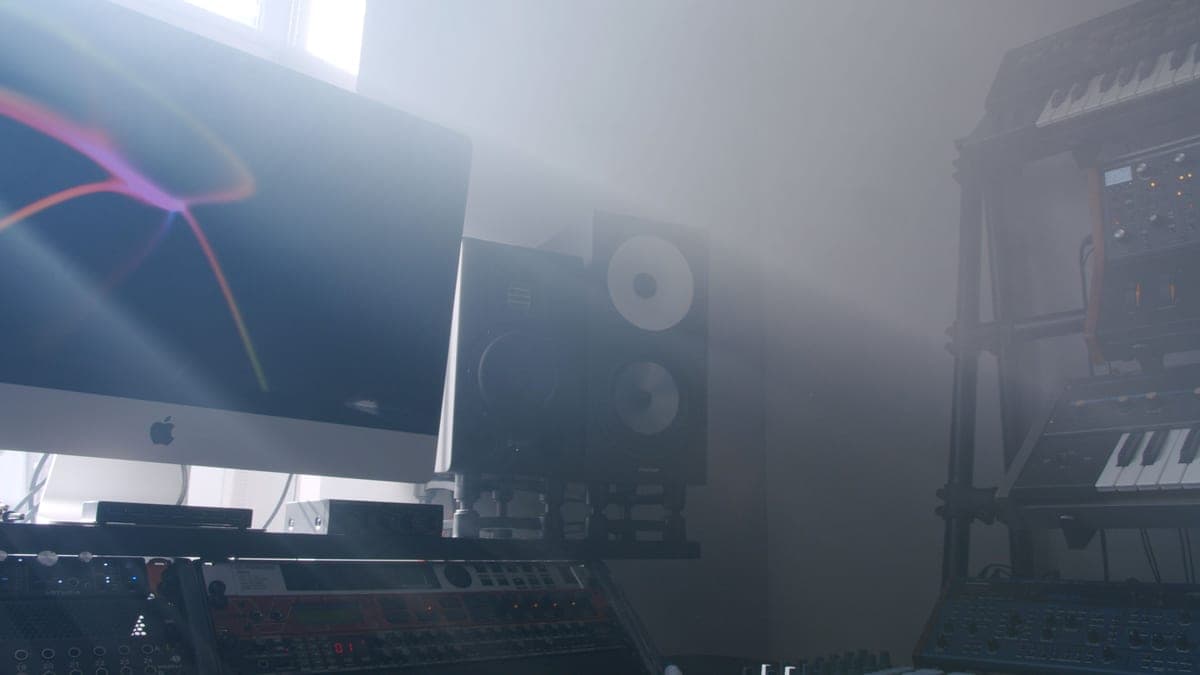 Yamaha HS5The flat midrange reference for a small room | Response (-3 dB)74 Hz to 24 kHz | 8.8 | |
| 2 | Kali Audio LP-6 V2The most low end per dollar, with boundary EQ | Response (-10 dB)39 Hz to 25 kHz | 8.7 | |
| 3 | JBL 305P MkIIThe widest usable sweet spot at the price | Response (+/-3 dB)49 Hz to 20 kHz | 8.6 | |
| 4 | 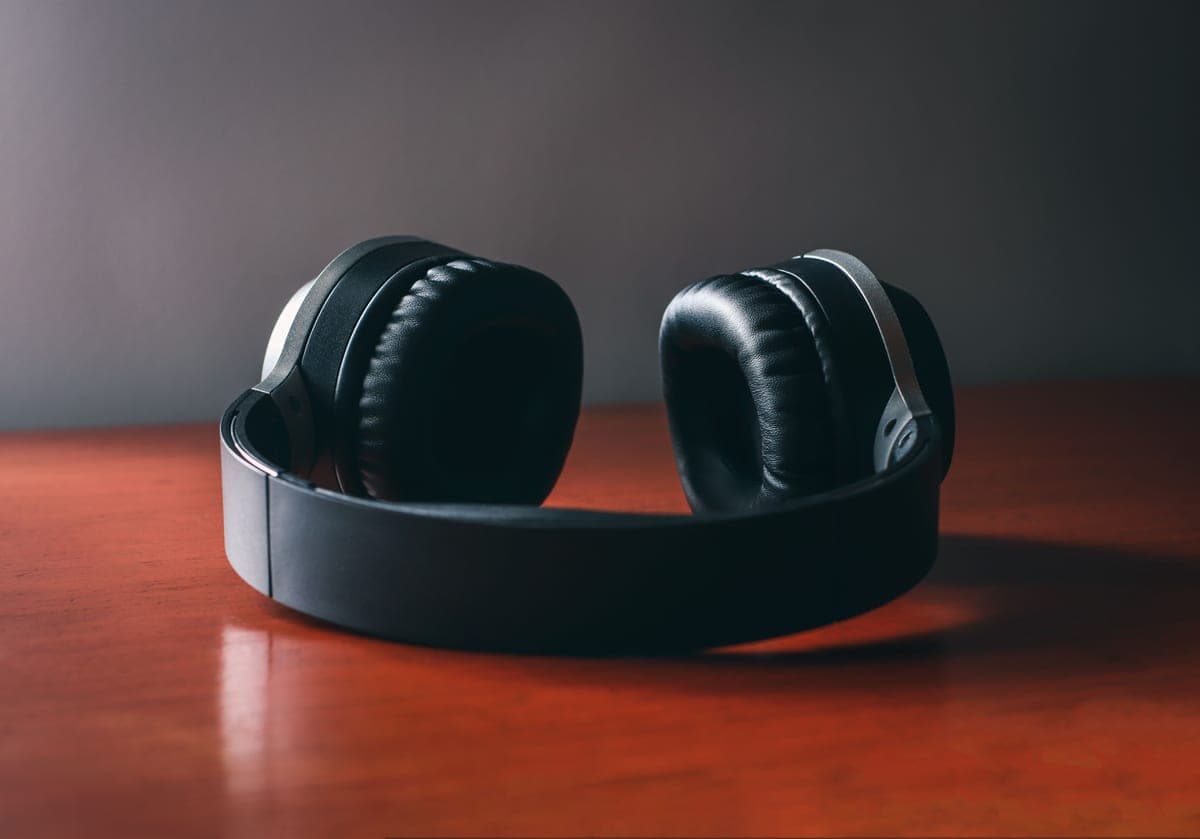 Sennheiser HD 600The long-standing mixing reference | Impedance300 ohms | 8.4 | |
| 5 | 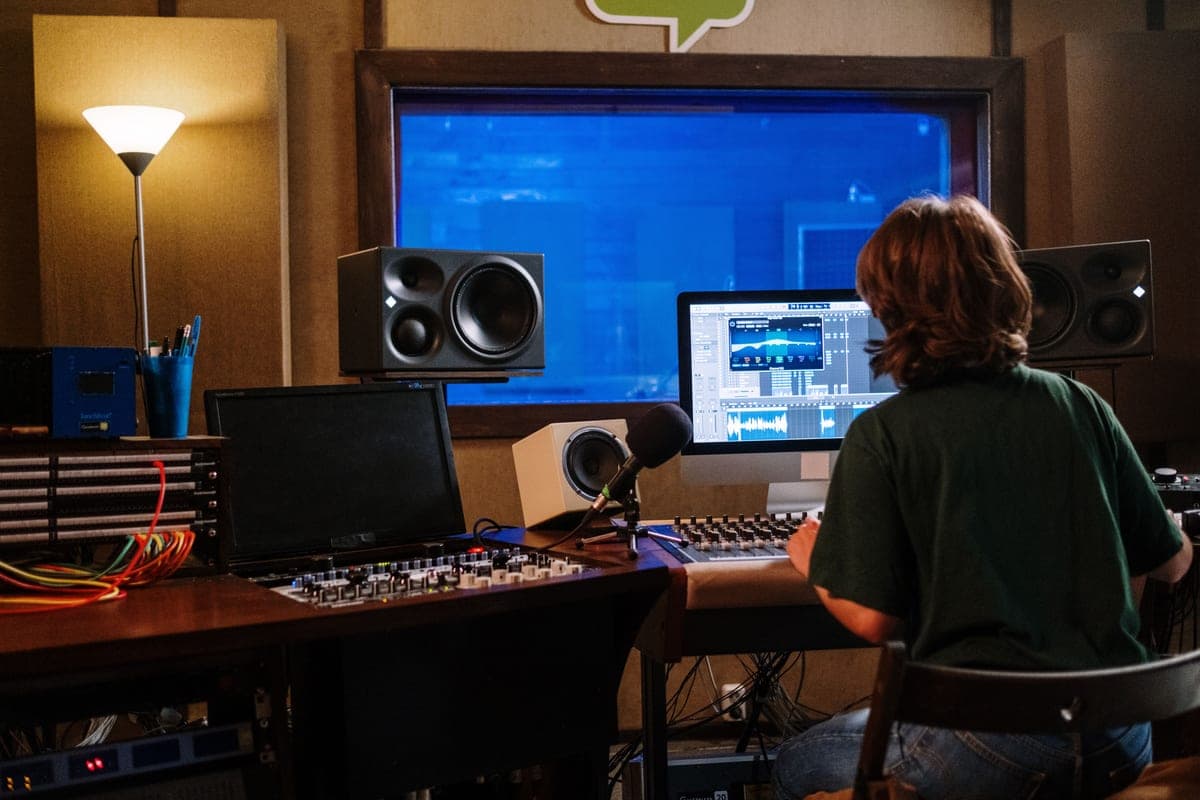 IsoAcoustics ISO-155Getting a desk monitor to ear height and off the desk | Height range3.0 to 8.3 in | 9.0 |
Monitors and headphones live in one hub because they answer the same question — what do I mix on? — and because the honest answer for most home studios is both, for different jobs. Studio monitors vs headphones for mixing makes that case in full.
The number to look at on a monitor is the published low-frequency limit, and which tolerance it is quoted at. Manufacturers publish two figures and they are not comparable. A -10 dB figure is generous — the speaker is producing something at that frequency, a long way down. A +/-3 dB figure is the honest one. The Yamaha HS5 is 54 Hz at -10 dB and 74 Hz at -3 dB. Both are true; only the second tells you what you can trust.
And here is the part that matters more than any speaker choice: a small untreated room has standing waves that produce peaks and nulls of 10 dB or more below roughly 200 Hz. That is far larger than any difference between the monitors here. A bigger woofer in an untreated room does not reveal more low end; it excites more room modes. Which is why our top pick in this hub is deliberately one of the more modest speakers, and why acoustic treatment is a prerequisite rather than a later upgrade.
On headphones the number is impedance, because it decides whether your interface can drive them. A 300 ohm HD 600 needs real voltage swing and sounds thin and quiet from a weak output. A 48 ohm pair works from a phone. The second number is open versus closed: open-back tells you more truth about depth and reverb, closed-back is the only kind you can wear next to a live microphone without it leaking into the take.
Before any of this, one free improvement: get the tweeters at ear height, at your listening position, in a proper triangle. Studio monitor placement costs nothing and changes more than a price-bracket upgrade does.
Everything in Monitors & Headphones
4 roundups, 4 head-to-head comparisons and 4 guides. Roundup cards carry the top pick and its buy link, so you do not have to dig for it.
The Best Studio Monitors Under $500 in 2026
Six monitors ranked on the honest low-frequency figure, with the room caveat stated before the picks.
Top pick: Yamaha HS5 8.8/10
The Best 5-Inch Studio Monitors
Five 5-inch monitors compared, with the room-size arithmetic that makes this the right driver size.
Top pick: Yamaha HS5 8.8/10
The Best Headphones for Mixing
Seven headphones ranked on impedance and isolation, with what each interface can and cannot drive.
Top pick: Sennheiser HD 600 8.4/10
The Best Studio Monitor Stands and Isolation
Getting monitors off the desk and to ear height, and the isolation stand that does both.
Top pick: IsoAcoustics ISO-155 9.0/10
Where this fits in the upgrade path
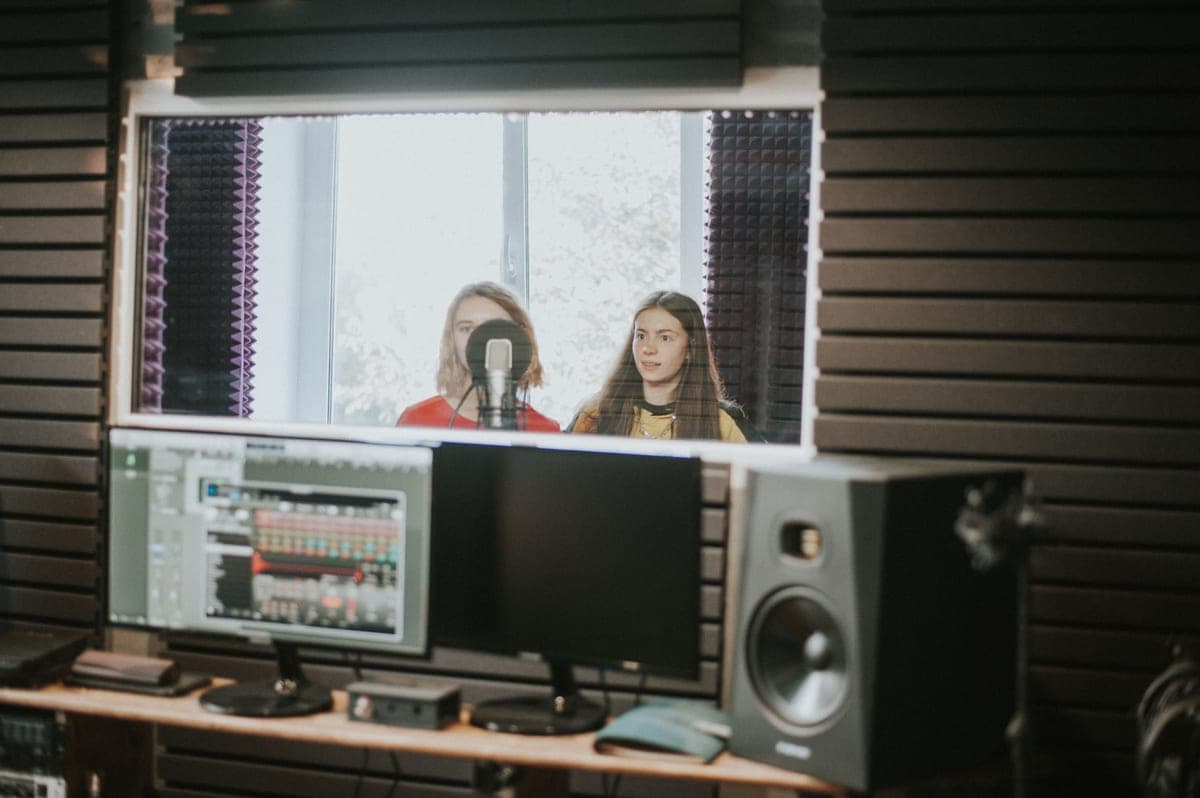
Monitoring is the end of the chain, and it is the one part that decides every other decision you make — you cannot fix what you cannot hear.
- The room is the real monitor. Below 200 Hz your walls matter more than your speakers. Acoustic treatment is where the money goes first, and no competitor in this category says so.
- The interface has to drive them. Balanced outputs for monitors, and a headphone amp that can handle 300 ohms if that is what you buy. Audio interfaces.
- What you are recording. A microphone choice you cannot evaluate through honest monitoring is a guess.
- Stands and isolation. A monitor sitting flat on a desk has a resonance you cannot EQ out. Studio setup and best studio monitor stands.
- Microphones
Dynamic or condenser, and how much gain each one will demand from the interface you already own.
- Audio Interfaces & Preamps
Ranked on published gain first, because the gain figure is what decides whether your microphone choice works.
- Acoustic Treatment
Ranked on published absorption at 125 Hz, because that is where small rooms go wrong and NRC does not measure it.
- Studio Setup & Accessories
The physical rig, and the upgrade path that tells you which link to fix next rather than which product to buy.