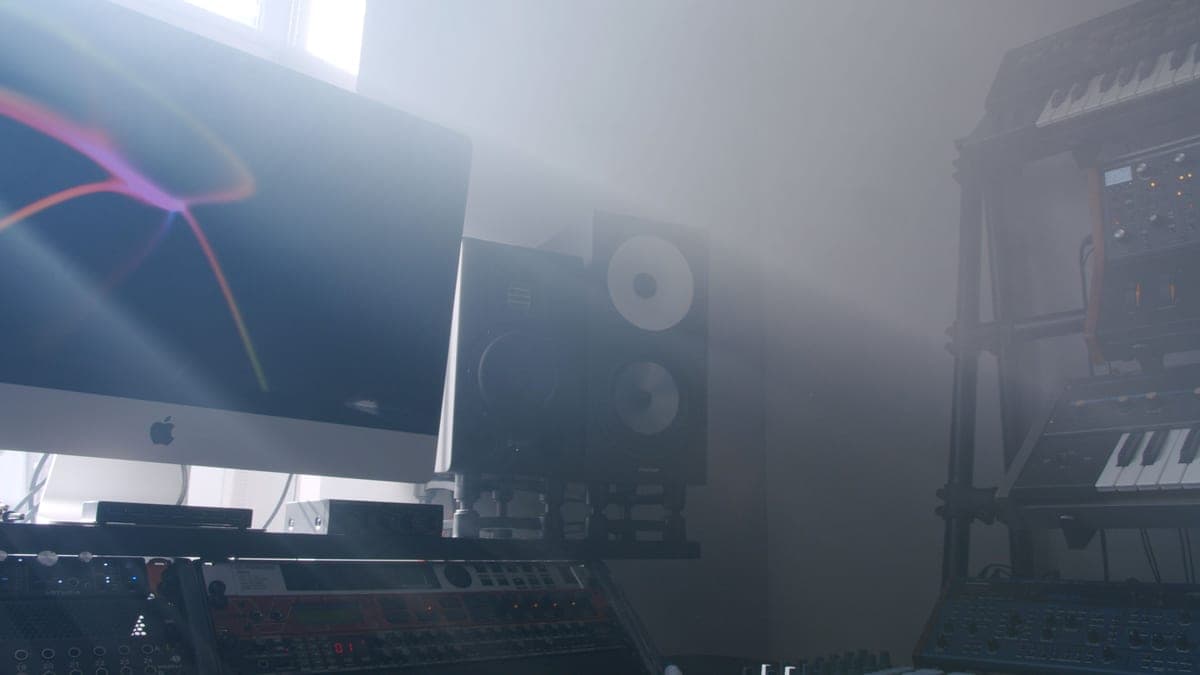
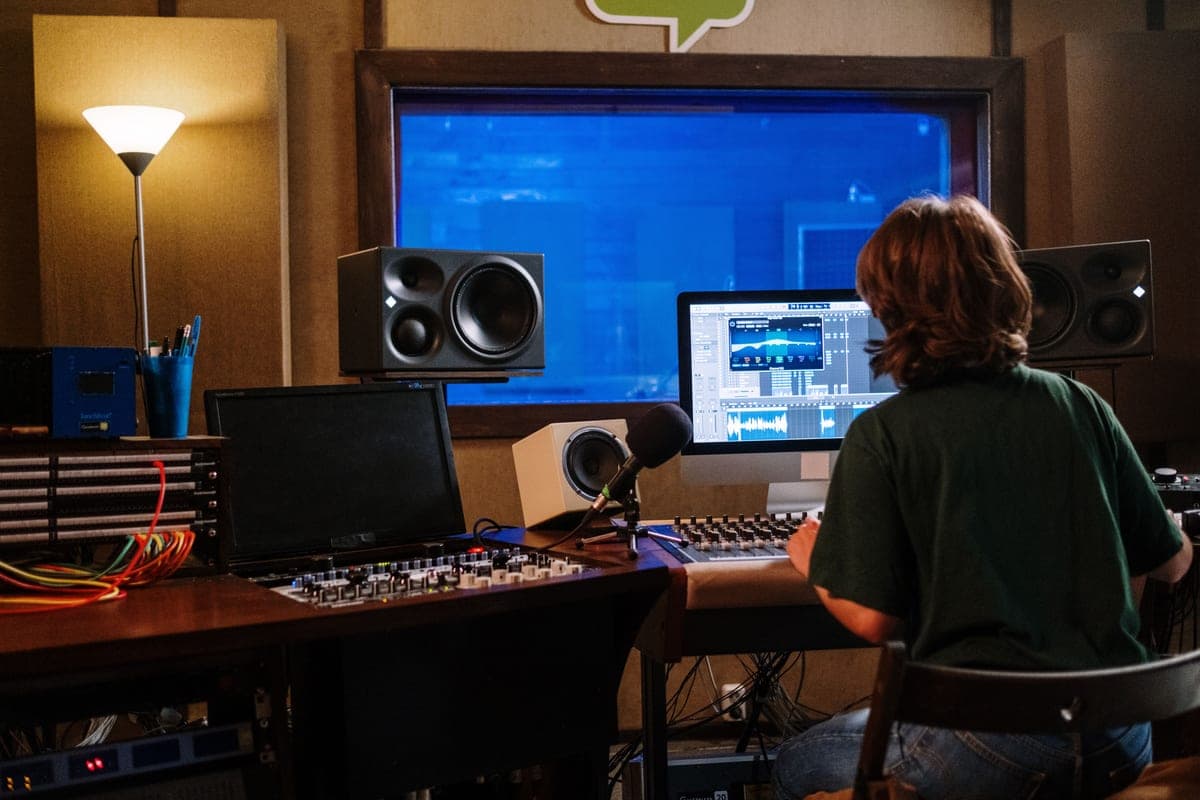
Aim for roughly 79 to 85 dB SPL at your listening position for critical work, and quieter for long sessions. The precise figure matters less than picking one and using it every time — a consistent reference level is what lets you trust your own judgment between sessions.
Why a fixed level matters more than the level itself
Human hearing is not equally sensitive at all frequencies, and the shape of that sensitivity changes with loudness. Play the same mix louder and the low end and top end appear to rise relative to the midrange. That means a mix that sounds balanced at one level can sound thin at another, and if your monitoring level drifts you are chasing a moving target.
Set one level, mark the knob, and return to it. That single habit removes a whole class of confusion, and it costs nothing.
How to set it once
- Get an SPL meter — a phone app is adequate for this purpose, since you are establishing a repeatable reference rather than a calibrated measurement.
- Play pink noise at -20 dBFS RMS through both monitors.
- Set the level so the meter reads around 79 dB SPL, C-weighted, slow response, at your listening position.
- Mark that position on your interface's monitor knob with tape or a pencil line.
- Return to that mark for every balance decision. Work quieter when you are tired; come back to the mark to check.
Hearing, honestly
Noise-induced hearing loss is cumulative and permanent, and it is an occupational hazard for anyone who mixes. The relationship between level and safe duration is steep: every few decibels roughly halves the time you can be exposed safely. 85 dB is a commonly cited threshold for an eight-hour working day, and mixing sessions routinely run louder than people think.
The practical advice is simple and worth following: work at 79 dB or below most of the time, take a break every hour, and treat the urge to turn it up as a signal that you are fatigued rather than that the mix needs it. Your ears are the only piece of equipment on this site you cannot replace.
Two things a level change cannot fix
- Room modes. A peak at 60 Hz at your seat is a peak at every level. Best bass traps.
- Bad placement. A tweeter below your ears rolls off the top end regardless of volume. Studio monitor placement and stands.
Headroom on the speaker side
At sensible levels, none of the monitors in our roundup is short of output — the lowest maximum SPL figure there is 104 dB, which is far above a safe working level. Headroom matters not because you need the volume but because a speaker working near its limit distorts, and low-frequency distortion is the hardest kind to hear as distortion rather than as content.
What actually helps
A monitor with honest headroom at sensible levels, and the stand that gets the tweeter on axis — because axis affects perceived tone far more than a few decibels of level.
Yamaha HS5
Top pickYamaha · The flat midrange reference for a small room
The right monitor for an untreated or lightly treated small room, precisely because it does not pretend to have low end your room could not reproduce honestly anyway. If you need to hear below 74 Hz, add a treated room before you add a bigger speaker.
Why it is here
- The honest -3 dB figure of 74 Hz tells you what it will not do, which is rarer than it should be
- Midrange is flat and unflattering, which is the entire job of a monitor
- Small enough to sit at ear height on a desk without dominating the room
What it costs you
- Nothing below about 74 Hz, so you mix low end by trust rather than by ear
- Unforgiving — a rough mix sounds rough, which some people hate
- Rear port needs clearance from the wall
IsoAcoustics ISO-155
IsoAcoustics · Getting a desk monitor to ear height and off the desk
The highest-value upgrade in this hub if your monitors currently sit flat on the desk: on-axis and decoupled beats a better speaker sitting wrong. It is not a substitute for treatment.
Why it is here
- Decouples the cabinet from the desk, which removes a resonance you cannot EQ out
- Height and tilt adjustment gets the tweeter on axis with your ears, which matters more than the speaker choice
- 40 lb capacity covers every monitor on this site
What it costs you
- Costs a real fraction of a budget monitor pair
- Takes desk depth you may not have
- Does nothing for room modes — this is a coupling fix, not an acoustics fix