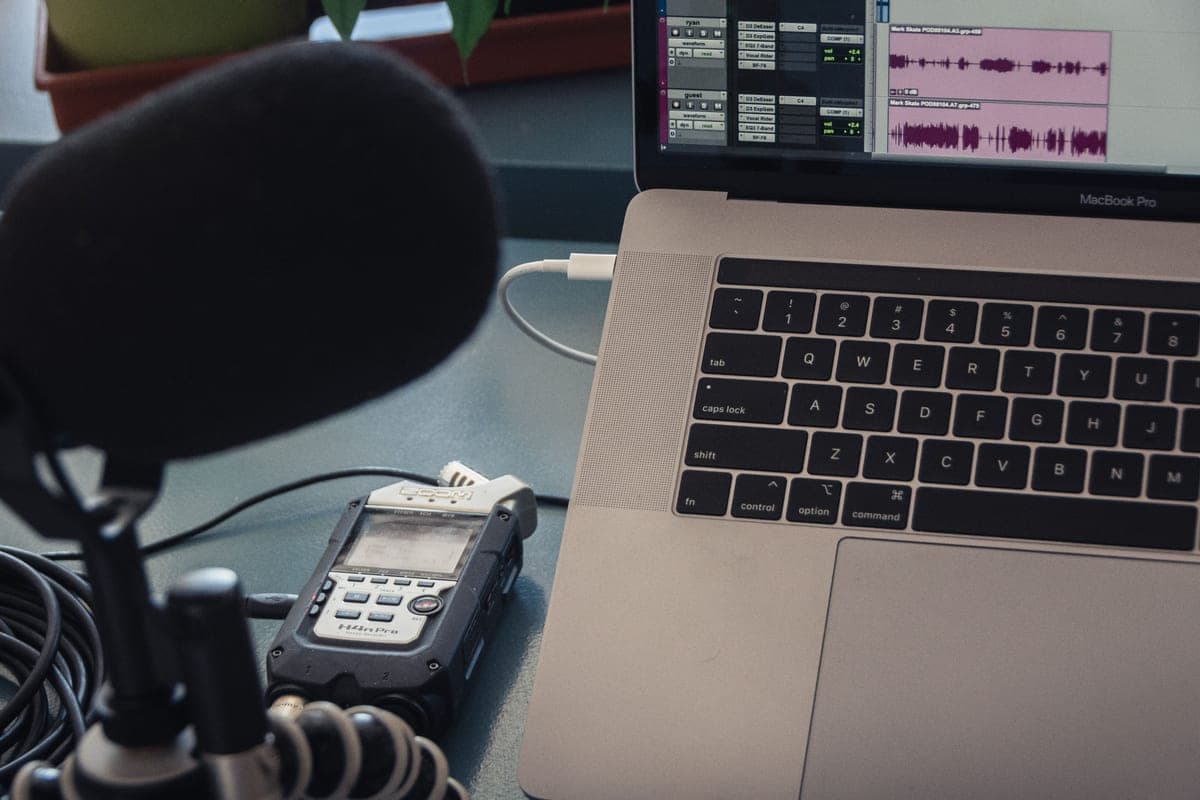
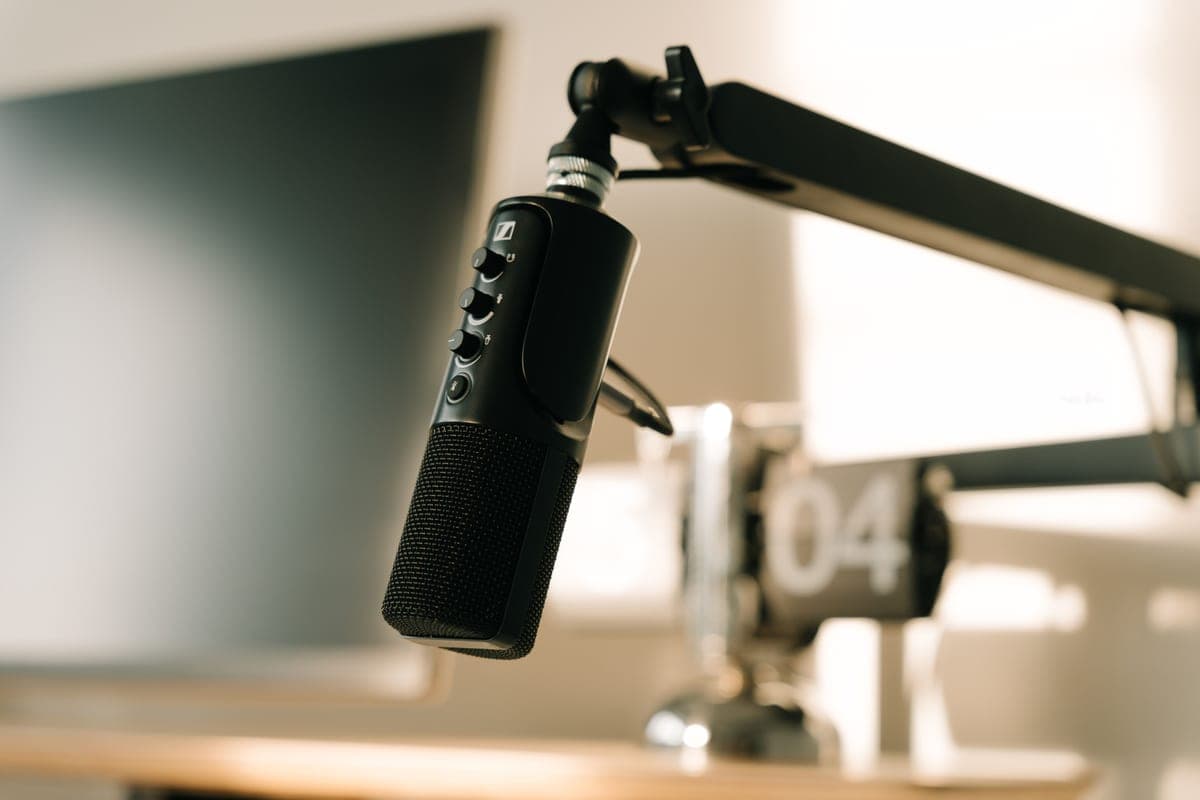
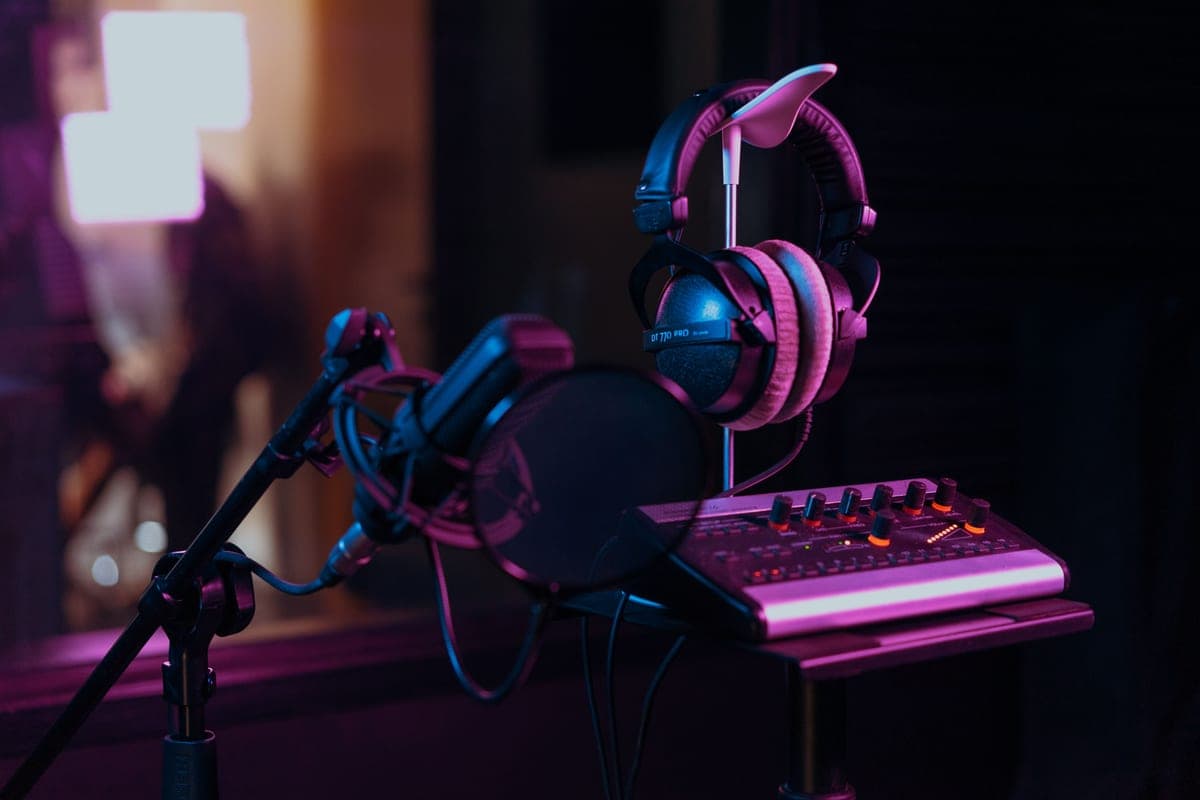
The row that matters most is the upgrade path, and it is worth being precise about why. A USB microphone is a capsule and an analog-to-digital converter in one body. You cannot improve the preamp without replacing the capsule, and you cannot keep the capsule while changing the converter. Every improvement is a full replacement.
An XLR microphone is just the capsule. The preamp and converter live in an interface you buy separately, which means a better preamp is a separate purchase, a second microphone is a channel rather than a device, and a booster can be added when a low-output capsule needs one. That is the entire argument, and it is a good one — but it is an argument about flexibility, not about sound.
What does not change when you switch to XLR
This is where the honest version of this comparison diverges from most of them. Switching connector does not improve any of the following, and if one of them is your actual complaint you should fix it first.
- Your room. If recordings sound boxy, hollow or distant, that is reflections, and it follows you across every microphone you will ever own. How to treat a room for recording is the fix.
- Your distance from the microphone. Most amateur recordings sound amateur because the microphone is too far away. That is free to fix.
- Background noise. A fan, a fridge, traffic. A more sensitive microphone captures more of it, not less.
- Plosives and sibilance. A pop filter and better mic technique, not a connector.
The gain problem you inherit with XLR
Here is the thing nobody mentions before you buy. A USB microphone's preamp was chosen by its designer to suit its capsule, so it always has enough gain. When you move to XLR you take on that decision yourself, and the most popular XLR microphone in podcasting — the SM7B at -59.0 dBV/Pa — is also one of the quietest microphones sold.
Pair it with a budget interface supplying 55 dB and the result is a thin, hissy recording that is objectively worse than the USB microphone you replaced. This happens constantly, and it is why our podcast roundup ranks by gain appetite rather than by prestige.
When a USB microphone is genuinely the right answer
- You record in more than one place and carrying an interface is a real friction.
- You are one person, will stay one person, and have no interest in a second channel.
- Your budget covers a good USB microphone or a mediocre XLR chain. The good USB microphone will sound better.
- You want to start this week rather than research for a month. This is a more legitimate reason than it sounds.
The hybrid middle ground
Two microphones on this site carry both connections, which genuinely removes the choice: the Shure MV7+ as a dynamic, and the Rode NT1 5th Generation as a condenser. You record over USB now and over XLR when the interface arrives, with the same capsule either way.
The cost is that you pay for a converter you will eventually stop using. Whether that is a waste or an insurance premium depends on how certain you are about the next two years.
What to buy for each route
The hybrid, the value XLR dynamic, and the interface with the most published gain per dollar — one for each of the three sensible answers above.
Shure MV7+
Top pickShure · Keeping a USB fallback while you move to XLR
The honest transition mic: it works on your laptop today and on your interface next month. If you know you are committing to XLR and never going back, the same money buys a better-sounding pure-XLR dynamic.
Why it is here
- -55 dBV/Pa is roughly 4 dB hotter than an SM7B, which removes the booster question entirely
- USB side keeps working when you travel without the interface
- DSP and the LED panel are genuinely useful for a solo host with no engineer
What it costs you
- Frequency response stops at 16 kHz, so it is voiced for speech rather than music
- The DSP features only exist on the USB path, not the XLR path
- You are part-paying for a converter you stop using the day the interface arrives
Rode PodMic
Rode · The best value in a broadcast dynamic
The pick for most people upgrading from a USB mic: it gets you 90 percent of the broadcast-dynamic sound without the booster arithmetic. Choose the SM7B instead if your voice is already bass-heavy and you want the bass-rolloff switch.
Why it is here
- At -57 dBV/Pa it needs about 2 dB less gain than an SM7B, which is enough to matter on a 58 dB interface
- Internal pop filter means one less thing clamped to your arm
- All-metal body at a fraction of the SM7B's price
What it costs you
- Voiced with more low-mid weight than the SM7B, so a boomy voice can get boomier
- No voicing switches, so you fix tone in the DAW rather than on the mic
- Still low enough output that a 55 dB interface will be working hard
Focusrite Scarlett 2i2 (4th Gen)
Focusrite · The most gain per dollar in a two-input box
The default answer for someone buying an SM7B or PodMic: it supplies enough clean gain that you never need a booster, which makes it the cheaper total purchase even when it is not the cheaper box. Look elsewhere only if you need MIDI or four outputs.
Why it is here
- 69 dB is the most gain of any interface at this price, and enough for an SM7B with headroom to spare
- 120 dB dynamic range means the converters are not the weak link
- Two inputs, so a second person does not mean a second purchase
What it costs you
- Air mode is a fixed voicing, not an EQ you can dial
- Plastic-and-metal build feels less solid than the SSL or Audient competition
- No MIDI, which matters if you also play keys
If you are switching, switch in this order
- Interface first, microphone second. The interface's gain ceiling constrains your microphone choice, so choosing the microphone first can invalidate it. See do I need an audio interface.
- Pick a microphone your interface can drive. Sensitivity figure against gain figure, as arithmetic.
- Mount it properly. A boom arm rated for the weight, so desk knocks stay out.
- Then treat the room. This is where the remaining improvement is, and it is larger than anything above it.
- Only then consider a better capsule. Upgrading from USB to XLR walks the whole sequence.