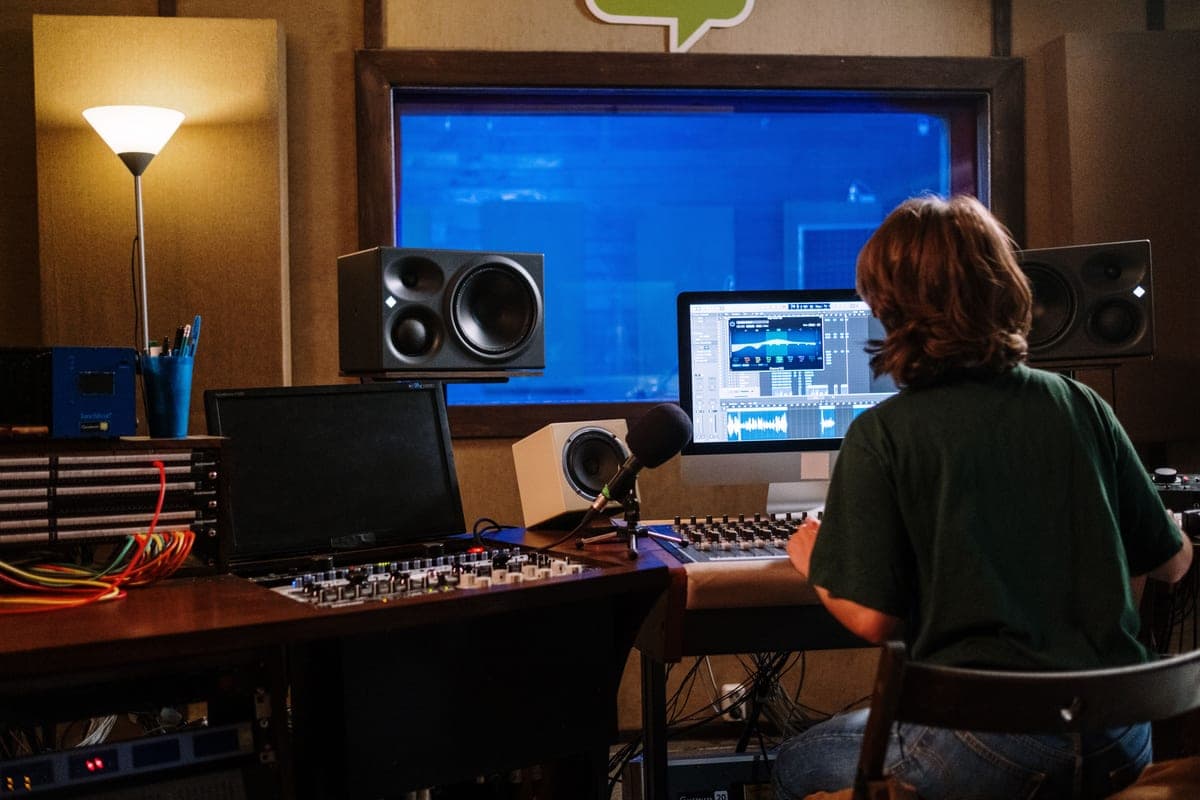
Studio monitors are worth it under three conditions: the room has some treatment, the tweeters sit at ear height pointed at your head, and you actually make decisions that need a speaker — stereo imaging, arrangement, how a mix sits in a room. Miss any of those and they are not. A bare room produces peaks and nulls of 10 dB or more below 200 Hz, which is larger than every difference between the monitors you are choosing between.
This question usually arrives in one of two forms: "are studio monitors necessary" from someone who already owns headphones, and "are studio monitors worth it" from someone about to spend real money. The answer is the same and it is conditional, because what you are buying is not a speaker — it is a measurement tool whose accuracy depends almost entirely on where you put it and what the room does afterwards.
What monitors actually buy you
- A flat, unflattering midrange. The point of a monitor is that a rough mix sounds rough. Consumer speakers and most headphones are voiced to please; a monitor is voiced to inform.
- Stereo image and depth you can hear in a room. Panning, width and reverb depth read differently over two speakers in air than they do strapped to your head. This is the one thing headphones genuinely cannot replicate.
- Decisions at a sane volume over a long session. Speakers at a moderate level are less fatiguing than headphones at the same perceived loudness, which tends to mean better decisions three hours in.
- A second reference. If you already mix on headphones, monitors catch what headphones hide and vice versa. Two references catch problems that neither catches alone.
What they do not buy you is more low-frequency information. In a small untreated room, a bigger woofer does not reveal more bass — it excites more room modes, which is a different thing wearing the same costume. 5-inch vs 8-inch studio monitors covers that trade honestly.
What your room takes back
A room's lowest standing wave sits at roughly 170 / (length in meters) hertz — near 49 Hz in a 3.5-meter room — with peaks and nulls of 10 dB or more around it at your listening position. Nothing in a bare room damps that. Move your head a foot and the bass changes; move the speaker a foot and it changes again.
Hold that next to what you are shopping for. The Yamaha HS5 publishes 74 Hz to 24 kHz at -3 dB; the JBL 305P MkII publishes 49 Hz to 20 kHz at +/-3 dB. Those are real and meaningful differences between two good speakers — and they are smaller than the error your untreated room adds on top of either of them. That is the whole reason this hub treats acoustic treatment as a prerequisite rather than a later upgrade.
Condition two: height and angle, which is free to check
A nearfield monitor is designed to be heard on axis — tweeter level with your ears, aimed at your head. Set flat on a desk, a 5-inch monitor puts its tweeter somewhere around your chest, firing past your collarbone. You then hear a reduced, off-axis top end and mix brighter than you should, and your work sounds harsh everywhere else.
This is the most common way a monitor purchase is wasted, and it costs nothing to diagnose: sit normally and look straight ahead. If your eyeline is above the tweeter, the speaker is not yet doing the job you bought it for. Raising it onto a stand that also decouples it from the desk — the IsoAcoustics ISO-155 covers 3.0 to 8.3 in of height with up to 6.5 degrees of tilt — is the cheapest meaningful improvement in this hub. Monitor isolation pads vs stands is the diagnosis in full, and studio monitor placement is the rest of the geometry.
Condition three: do you make decisions that need a speaker?
Be honest about the work. If you record and edit spoken word — a podcast, voice-over, an audiobook — almost every decision you make is about a single mono voice: level, sibilance, plosives, noise, edits. Closed-back headphones are better at every one of those than monitors in an untreated room, and they are better at the one that matters most, which is hearing the problems a listener on earbuds will hear.
If you arrange music, place instruments in a stereo field, or judge how a mix sits in a room, monitors earn their place — that is information headphones present differently and sometimes misleadingly. Studio monitors vs headphones for mixing splits the work between the two tools, and how to mix with headphones only is the practical method if the answer is that you do not need speakers yet.
What to buy, in the order that actually helps
If the three conditions hold, these are the two monitors this hub recommends most often, plus the stand that decides whether either of them works. If the conditions do not hold, the fourth entry is the better purchase today.
Yamaha HS5
Top pickYamaha · The flat midrange reference for a small room
The right monitor for an untreated or lightly treated small room, precisely because it does not pretend to have low end your room could not reproduce honestly anyway. If you need to hear below 74 Hz, add a treated room before you add a bigger speaker.
Why it is here
- The honest -3 dB figure of 74 Hz tells you what it will not do, which is rarer than it should be
- Midrange is flat and unflattering, which is the entire job of a monitor
- Small enough to sit at ear height on a desk without dominating the room
What it costs you
- Nothing below about 74 Hz, so you mix low end by trust rather than by ear
- Unforgiving — a rough mix sounds rough, which some people hate
- Rear port needs clearance from the wall
JBL 305P MkII
JBL · The widest usable sweet spot at the price
The right monitor when your listening position is not, and cannot be, the textbook equilateral triangle. If you can sit properly centered, the HS5's flatter midrange is the more useful reference.
Why it is here
- 49 Hz at +/-3 dB from a 5-inch driver is a genuinely good result
- The waveguide gives a wide, stable sweet spot, which forgives a desk you cannot center yourself at
- Magnetically shielded, so it can sit beside a monitor without buzzing
What it costs you
- 108 dB peak SPL is the lowest headroom in this group
- Slightly hyped low end compared with the HS5's flat presentation
- Plastic cabinet
IsoAcoustics ISO-155
IsoAcoustics · Getting a desk monitor to ear height and off the desk
The highest-value upgrade in this hub if your monitors currently sit flat on the desk: on-axis and decoupled beats a better speaker sitting wrong. It is not a substitute for treatment.
Why it is here
- Decouples the cabinet from the desk, which removes a resonance you cannot EQ out
- Height and tilt adjustment gets the tweeter on axis with your ears, which matters more than the speaker choice
- 40 lb capacity covers every monitor on this site
What it costs you
- Costs a real fraction of a budget monitor pair
- Takes desk depth you may not have
- Does nothing for room modes — this is a coupling fix, not an acoustics fix
Sennheiser HD 600
Sennheiser · The long-standing mixing reference
Buy it for mixing if your interface can drive 300 ohms — the SSL 2+ and MOTU M2 can, a bus-powered budget box may struggle. Do not buy it as your only pair if you also track with a live mic in the room.
Why it is here
- The midrange presentation most mixing engineers have calibrated their ears against
- Open-back, so reverb depth and stereo width read honestly
- Fully serviceable — pads, cable and headband are all replaceable
What it costs you
- 300 ohms needs a headphone output with real voltage swing; a weak one sounds thin and quiet
- Open-back leaks straight into any live microphone, so it is useless for tracking
- Low end rolls off early by modern standards
When monitors are not worth it
- You cannot treat the room and cannot move the desk. Then you are buying a tool you are not able to use accurately. Spend on headphones and a cross-reference.
- You record with a live microphone in the same room, alone. You cannot monitor on speakers while tracking — the speakers feed straight back into the microphone. You will be in headphones for the part of the job you bought them for.
- You live with other people and work at night. A monitor you can never turn up to a useful level is an ornament.
- Your desk puts the speakers inches from a wall with no boundary control. A rear-ported cabinet against a wall gains a large low-frequency boost. Best studio monitors for an untreated room covers which models have switches for it.
- The budget only covers one of monitors or treatment. Treatment first, every time. It makes the monitors you buy later better; the monitors do not make the room better.
Are expensive studio monitors worth it?
This is the follow-up question, and the answer follows the same logic. Past the entry tier, more money buys lower-frequency extension, more output headroom, better cabinet engineering and tighter driver matching. Every one of those is real, and every one of those is smaller than 10 dB of room-induced variation.
So the sequence that gets the most from the least money is: treat the first reflection points, get the tweeters to ear height and decoupled, buy a competent modest monitor, add corner traps, and only then consider a bigger speaker. Most home studios never need to reach the last step. Best studio monitors under $500 is where that spending starts to make sense, and do you need a subwoofer in a home studio answers the other way people try to buy their way past a room.
If the answer is yes, what you are also buying
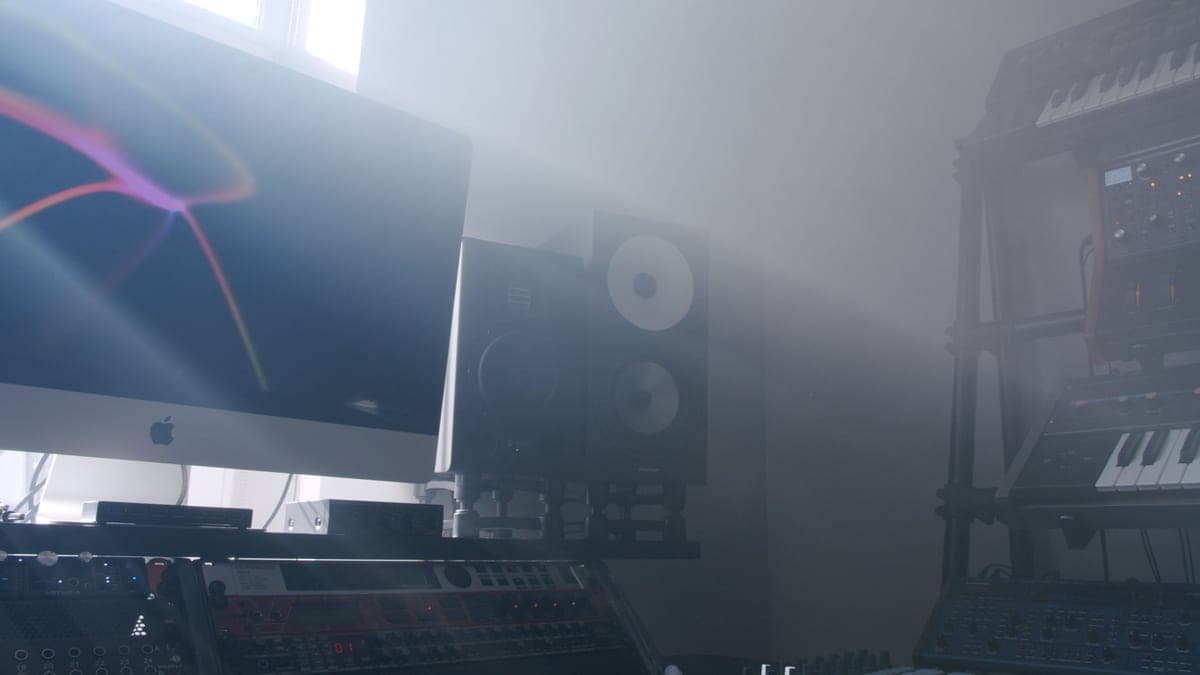
- Two mains outlets at the desk. Active monitors have their amplifiers built in, one per cabinet. Do studio monitors need an amplifier covers why you do not need a separate amp.
- Two balanced cables from your interface's line outputs, long enough to route tidily rather than stretched.
- Height. Stands, or a solid, level, decoupled platform. Non-negotiable, and the step most people skip.
- Somewhere to put them. A nearfield wants to be roughly an equilateral triangle with your head and clear of the wall behind it.
None of that is expensive, and all of it is the difference between a monitor that tells you the truth and a speaker that is merely louder than your laptop. Get those four right in a lightly treated room and the answer to this page's question is an easy yes.