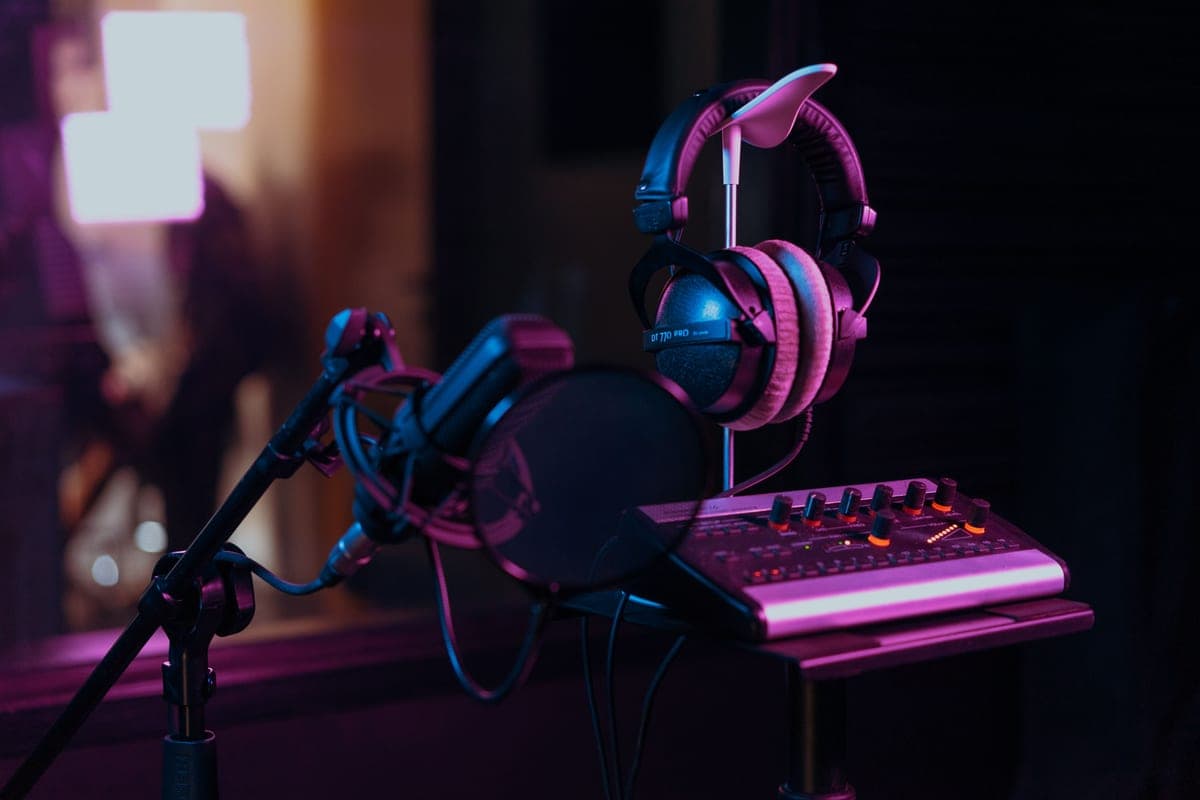
A sound card — onboard or a gaming card — has a 3.5 mm microphone input designed for a headset, with no XLR socket, no real preamp and no phantom power. If you want to record a studio microphone you need an audio interface. A sound card is fine for a headset, game audio and virtual surround, which is what it was designed for.
Why the 3.5 mm input is not a microphone input in the sense you need
A computer's 3.5 mm mic jack expects an electret headset capsule, which is an active device with its own tiny amplifier running off a bias voltage the port supplies. It needs almost no gain and it delivers a fixed, modest signal.
A studio microphone is a different proposition entirely. A dynamic like the SM7B sits at -59.0 dBV/Pa and wants roughly 60 dB of clean gain. A condenser needs +48 V phantom power to work at all. A 3.5 mm port supplies neither, and the passive XLR-to-3.5 mm adapters sold to bridge the gap produce a signal so quiet that the recording is mostly hiss.
What a sound card is genuinely good at
- Driving a gaming headset, which is what its mic input was designed around.
- Virtual surround and game-specific EQ, which an audio interface deliberately does not do.
- Playback for listening, adequately — though an interface's balanced outputs and stronger headphone amp are better if you own real monitors or high-impedance headphones.
- Costing less, particularly the onboard one you already have.
Choose an audio interface if
- You want to record an XLR microphone. This is the whole reason to buy one.
- You want to record a guitar through a proper Hi-Z input.
- You stream or podcast and want a broadcast dynamic rather than a headset. Best interfaces for streaming.
- You want a native ASIO driver and stable low-latency recording on Windows. Best interfaces for PC.
- You want to feed studio monitors over balanced outputs.
What to buy
Three interfaces to replace a sound card with
One with the most published gain, one with the best published converters, and the cheapest that still has phantom power.
Focusrite Scarlett 2i2 (4th Gen)
Top pickFocusrite · The most gain per dollar in a two-input box
The default answer for someone buying an SM7B or PodMic: it supplies enough clean gain that you never need a booster, which makes it the cheaper total purchase even when it is not the cheaper box. Look elsewhere only if you need MIDI or four outputs.
Why it is here
- 69 dB is the most gain of any interface at this price, and enough for an SM7B with headroom to spare
- 120 dB dynamic range means the converters are not the weak link
- Two inputs, so a second person does not mean a second purchase
What it costs you
- Air mode is a fixed voicing, not an EQ you can dial
- Plastic-and-metal build feels less solid than the SSL or Audient competition
- No MIDI, which matters if you also play keys
MOTU M2
MOTU · The best converters and metering at the price
The pick if you care most about conversion quality and want to see your levels without alt-tabbing. If your mic is an SM7B and you want a published gain number you can check against the mic's sensitivity, the 2i2 is the safer buy.
Why it is here
- -129 dB EIN is genuinely quiet, and it shows on low-output dynamics
- Full-color LCD metering on the box is more useful day to day than any software mixer
- Independent phantom power and monitor switching per input
What it costs you
- MOTU does not publish a maximum mic-gain figure the way Focusrite does, so gain headroom is harder to plan around
- No onboard voicing or DSP at all
- Loopback needs the software, not a front-panel switch
Behringer U-Phoria UMC204HD
Behringer · The floor of the category, honestly described
Buy it when the alternative is not recording at all, and plan to replace it. With no published gain figure it is a gamble with any low-output dynamic — pair it with a hot mic or not at all.
Why it is here
- Cheapest two-input interface worth plugging a real mic into
- Two combo inputs and phantom power at a price nothing else matches
- Inserts on the inputs, which is unusual this low
What it costs you
- Behringer does not publish a maximum gain figure, so you cannot plan a gain budget from the spec sheet
- Driver experience is the weakest in this group
- Build reflects the price
The verdict
These are not alternatives, so buy on what you are actually doing. If you want to record a studio microphone, an audio interface is the only option and a sound card cannot be made to work. If you only game and listen through a headset, your existing sound card is fine and an interface buys you nothing you will notice.
The one genuinely mixed case is a streamer with a gaming headset who wants better audio: there an interface plus a dynamic microphone is a large, obvious upgrade, and you keep the sound card for game audio.