Buy the JBL 305P MkII. Its 49 Hz to 20 kHz at +/-3 dB is a genuinely good result from a 5-inch driver, and the waveguide gives a wide, stable sweet spot that forgives a desk you cannot sit perfectly centered at. The KRK Rokit 5 G4 is worth it only if its onboard DSP placement presets match your actual placement — its voicing is historically flattering rather than flat, which means mixes translate less predictably.
Both of these are the same size, the same price bracket and aimed at the same desk. The difference that matters is not bandwidth, it is honesty: a monitor exists to tell you what your recording sounds like, and a speaker that makes everything sound good is failing at its only job.
The 43 Hz figure needs a qualifier it does not have
KRK's 43 Hz to 40 kHz is the widest range quoted by any 5-inch monitor on this site, and our source does not publish the tolerance at which it was measured. JBL's 49 Hz to 20 kHz comes with +/-3 dB attached, which is a strict, meaningful test.
That does not make KRK's figure false. It makes it unusable for comparison, which is a different kind of problem — and it is exactly the sort of gap worth noticing before you spend money. A +/-3 dB figure of 49 Hz from a 5-inch cabinet is a strong result; an unqualified 43 Hz could describe the same speaker measured generously or a genuinely deeper one, and there is no way to tell from the sheet. The 40 kHz top end, meanwhile, is marketing in both directions: nobody hears it.
The waveguide is the JBL's real advantage
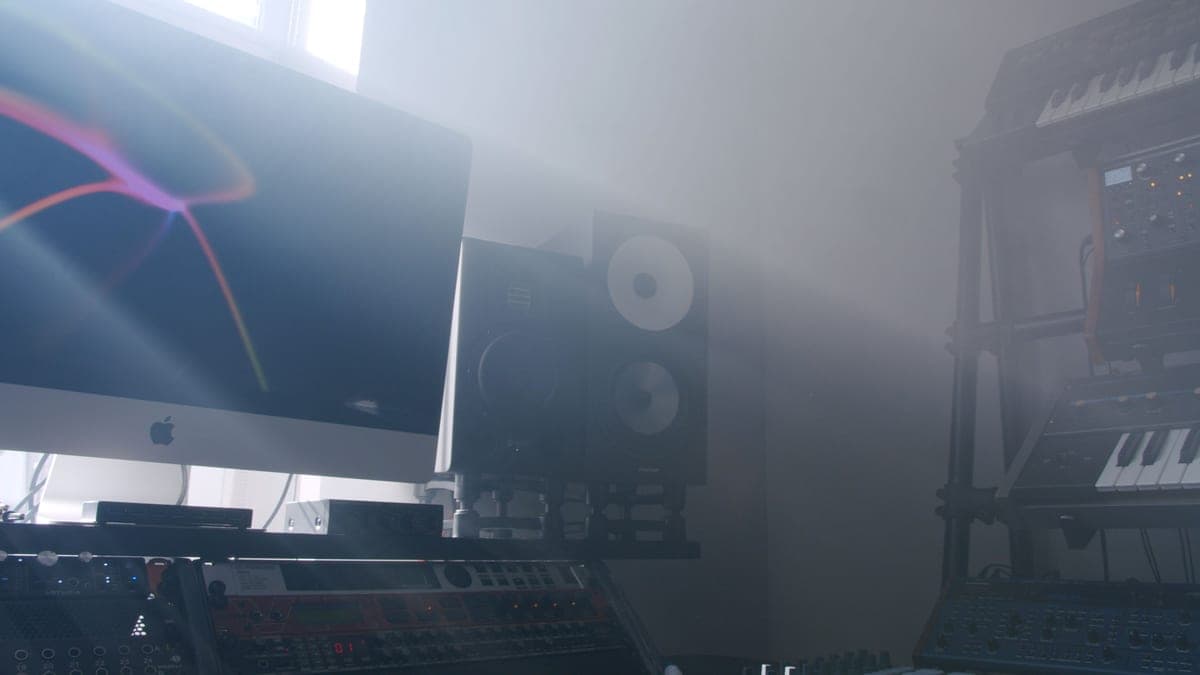
JBL's image-control waveguide widens the area in which you hear a correct stereo image and a consistent frequency balance. In a studio that sounds like a nicety. At a home desk it is the single most practical feature on this page, because almost nobody's listening position is the textbook equilateral triangle — the monitor on the left is closer to a wall, your chair is six inches off center, and there is a computer display between the speakers.
A wide sweet spot means those compromises cost you less. It also means two people can hear roughly the same thing, which matters if you ever review a mix with someone. Studio monitor placement covers how much geometry you can realistically fix.
What the Rokit's DSP presets do and do not fix
The G4 has onboard DSP with EQ presets for common placements — on a desk, near a wall, in a corner. Used honestly, that addresses the single biggest cause of a bad-sounding monitor in a home room, and it does it without external hardware or a measurement microphone.
What it cannot do is fix room modes. A preset applies a fixed curve; a room mode is a position-dependent peak and null that changes as you move your head. The preset flattens an average, which is better than nothing and is not acoustic treatment. Best bass traps is the thing that actually addresses it.
Both monitors, and the flattest reference at the price
Ranked on how much you can trust what they tell you: the JBL first for its published +/-3 dB figure and wide sweet spot, the Rokit where its DSP presets match your placement, and the HS5 as the flat midrange reference people cross-check against.
JBL 305P MkII
Top pickJBL · The widest usable sweet spot at the price
The right monitor when your listening position is not, and cannot be, the textbook equilateral triangle. If you can sit properly centered, the HS5's flatter midrange is the more useful reference.
Why it is here
- 49 Hz at +/-3 dB from a 5-inch driver is a genuinely good result
- The waveguide gives a wide, stable sweet spot, which forgives a desk you cannot center yourself at
- Magnetically shielded, so it can sit beside a monitor without buzzing
What it costs you
- 108 dB peak SPL is the lowest headroom in this group
- Slightly hyped low end compared with the HS5's flat presentation
- Plastic cabinet
KRK Rokit 5 G4
KRK · Onboard DSP room correction presets
Reasonable if the DSP presets genuinely match your placement and you cross-check mixes on headphones. As a sole reference, the flatter HS5 or 305P MkII will teach you more about your own mixes.
Why it is here
- 43 Hz is the deepest published figure of the 5-inch group here
- Onboard DSP presets address desk and wall placement without external hardware
- Kevlar drivers are physically tough
What it costs you
- 104 dB max SPL is the lowest headroom here
- The Rokit voicing is historically flattering rather than flat — mixes translate less predictably
- 55 W is modest for the claimed bandwidth
Yamaha HS5
Yamaha · The flat midrange reference for a small room
The right monitor for an untreated or lightly treated small room, precisely because it does not pretend to have low end your room could not reproduce honestly anyway. If you need to hear below 74 Hz, add a treated room before you add a bigger speaker.
Why it is here
- The honest -3 dB figure of 74 Hz tells you what it will not do, which is rarer than it should be
- Midrange is flat and unflattering, which is the entire job of a monitor
- Small enough to sit at ear height on a desk without dominating the room
What it costs you
- Nothing below about 74 Hz, so you mix low end by trust rather than by ear
- Unforgiving — a rough mix sounds rough, which some people hate
- Rear port needs clearance from the wall
Headroom: 104 dB against 108 dB
Both figures are modest, and the JBL's 108 dB peak is the higher of the two. For nearfield work at a desk — which is to say at a sane level, a meter from your ears — neither runs out. It becomes relevant only if you mix loud or sit further back, in which case both are the wrong size and 5-inch vs 8-inch studio monitors is the discussion to have.
The more useful point about level: you should be mixing quieter than you think. Loud flatters everything, hides harshness and tires your ears within half an hour. How loud should studio monitors be has the figure to aim for.
Which to buy
- A normal home desk, one pair of speakers, mixes that need to travel: JBL 305P MkII.
- Monitors stuck in a corner or hard against a wall, and you will set the DSP honestly: Rokit 5 G4.
- A monitor beside an unshielded display: the JBL is magnetically shielded, which is a small but real practical win.
- The flattest midrange of the three: neither — the Yamaha HS5, which publishes an honest 74 Hz at -3 dB and does not pretend otherwise.
Whichever you choose, cross-check mixes on headphones before you release anything. Two references catch what one cannot, and the cheapest second reference you can own is a pair of closed-backs you already have. Studio monitors vs headphones for mixing covers how to split the work between them.