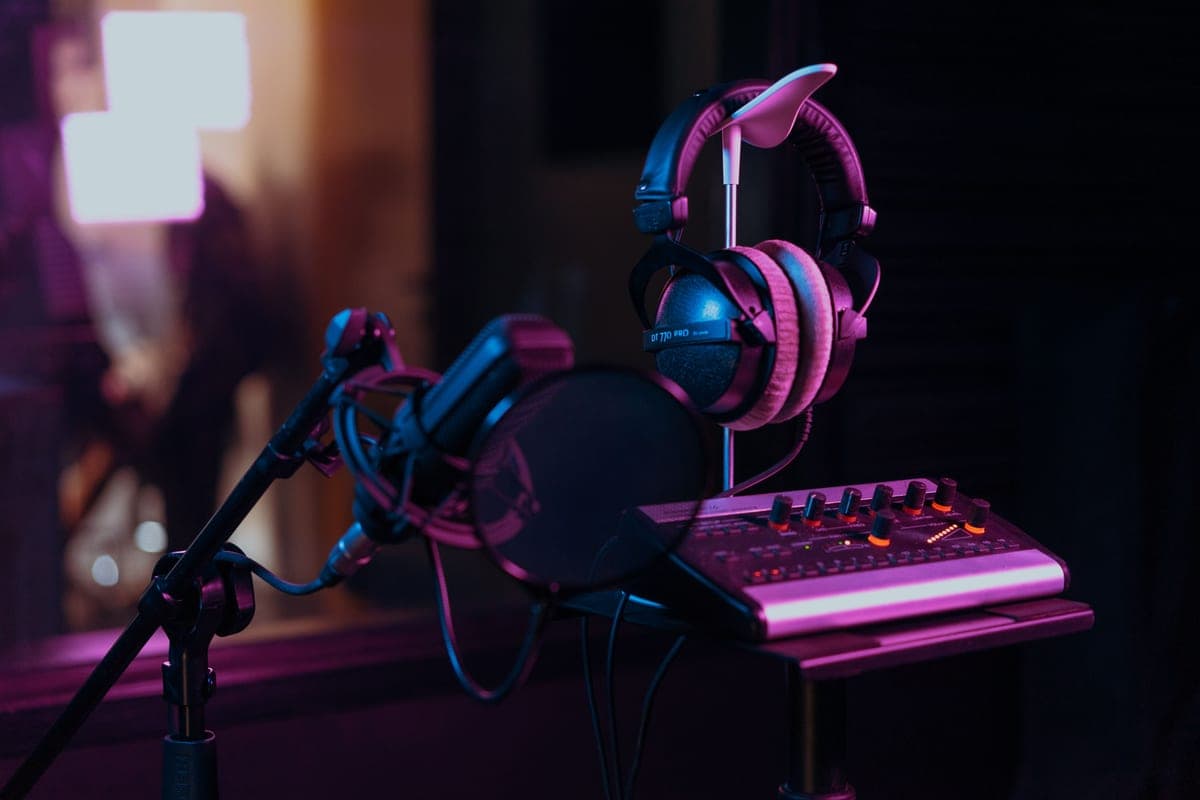
The Focusrite Scarlett 2i2 (4th Gen) is the pick for most podcasts: 69 dB of published mic gain feeds any broadcast dynamic without a booster, and two inputs mean a guest does not mean a second purchase. If you record three or more people, skip straight to the Zoom PodTrak P4 — 70 dB of gain across four preamps and four independent headphone outputs, which is the actual bottleneck in group recording.
Podcasting is the one job where the interface specification that matters is not conversion quality. Every box on this page converts well enough that no listener will ever hear the difference through a compressed feed on earbuds. What listeners will hear is a hiss behind a quiet guest, because the interface ran out of gain, and what will ruin your session is two people sharing one headphone output.
So this page ranks on two published numbers and one count: maximum mic gain, number of mic preamps, and number of independent headphone outputs. Everything else is secondary.
Gain first: why 69 dB is the number to look for
Podcasting is dominated by broadcast dynamics, and broadcast dynamics are quiet. A Shure SM7B publishes -59.0 dBV/Pa; a Rode PodMic -57 dBV/Pa; an Electro-Voice RE20 1.5 mV/Pa. All three need a preamp willing to supply roughly 60 dB or more before the signal reaches a usable level, and to supply it without adding noise of its own.
That rules out a surprising number of otherwise excellent interfaces. The Audient iD4 MKII and iD14 MKII stop at 58 dB. The Universal Audio Volt 2 stops at 55 dB. Those are fine boxes with better-measuring preamps than the Focusrite in some respects, and they are still the wrong buy for a podcast with an SM7B on it, because you will spend the difference on a booster. How much clean gain do you need works through the arithmetic, and best audio interfaces for the Shure SM7B is the narrower list if that is your microphone.
Then count the headphone outputs
This is the specification nobody mentions and everybody discovers during the first two-person session. If your guest cannot hear themselves, they will drift off-axis, talk over you, and project inconsistently — and no amount of post-production repairs a take recorded by someone who could not hear it.
A splitter works for two people on one output, with the caveat that both of you then share one volume control. Beyond two people you need real independent outputs with their own level knobs, and that is the single feature that separates the group boxes on this page from the desktop interfaces. The SSL 2+ MKII is the interesting middle case: two genuinely independent headphone outputs on an otherwise conventional two-input interface.
The six, by how many people you record
Ranked for podcast use specifically. A box that ranks lower here may well rank higher for music recording, where the gain ceiling matters less.
Focusrite Scarlett 2i2 (4th Gen)
Top pickFocusrite · The most gain per dollar in a two-input box
The default answer for someone buying an SM7B or PodMic: it supplies enough clean gain that you never need a booster, which makes it the cheaper total purchase even when it is not the cheaper box. Look elsewhere only if you need MIDI or four outputs.
Why it is here
- 69 dB is the most gain of any interface at this price, and enough for an SM7B with headroom to spare
- 120 dB dynamic range means the converters are not the weak link
- Two inputs, so a second person does not mean a second purchase
What it costs you
- Air mode is a fixed voicing, not an EQ you can dial
- Plastic-and-metal build feels less solid than the SSL or Audient competition
- No MIDI, which matters if you also play keys
Focusrite Vocaster One
Focusrite · A solo host who does not want to set levels
The pick for a solo podcaster who wants the gear to get out of the way. If you record music as well as speech, a general-purpose interface with the same gain is the better buy.
Why it is here
- `70 dB` of gain means any microphone on this site works without a booster
- Auto Gain removes the single most common beginner mistake in one button press
- Stereo loopback plus phone and camera connections, which is the actual podcast workflow
What it costs you
- 24-bit / 48 kHz only, and no instrument input — it is a speech box and nothing else
- The three Enhance presets are printed into the recording
- One microphone input; a co-host means the Vocaster Two
Zoom PodTrak P4
Zoom · Four mics, four headphone outs, battery power
The best value in group podcast recording: four hot preamps and four headphone feeds is the whole job. Step up to the RodeCaster Pro II only if you need live mixing rather than multitrack capture.
Why it is here
- 70 dB of gain feeds four SM7Bs, which nothing else at this price does
- Four headphone outputs with individual level control — the actual bottleneck in group recording
- Runs on AA batteries, so it records anywhere
What it costs you
- No faders, no onboard EQ or compression
- Only 2 channels reach the computer over USB, so live-streaming four separate mics is out
- Plastic build and a small screen
Rode RodeCaster Pro II
Rode · A multi-guest show with no engineer
The right purchase when you regularly record three or four people and post-production time is your real constraint. For one or two voices an interface plus a DAW does the same job for a fraction of the money.
Why it is here
- 76 dB of gain and -131.5 dBV EIN means any microphone on this site works with room to spare
- Six physical faders and onboard processing let one person run a four-person show live
- Records multitrack to its own storage, so a laptop crash is not a lost episode
What it costs you
- Far more money than an interface, and most of it buys features a solo host never uses
- The onboard processing is a commitment unless you record raw tracks alongside
- Big, and it owns your desk
Elgato Wave XLR
Elgato · The most gain of any single-channel box, built for streaming
The right box if you stream or record alone with a low-output dynamic and want the gain problem to simply not exist. It is not a general-purpose interface, and it is the wrong buy if you also record instruments.
Why it is here
- `75 dB` of gain drives an SM7B with room to spare and no booster, which is the single most common streaming problem solved outright
- Clipguard catches a shout that would otherwise clip the take
- Capacitive tap-to-mute on the top surface, which is genuinely better than reaching for a key bind
What it costs you
- One microphone input, so a co-host needs a second unit
- The mixing lives in Elgato's software, so it is a Wave Link setup rather than a neutral interface
- No MIDI, no line inputs, no instrument input
SSL 2+ MKII
Solid State Logic · Two headphone outs and a console voicing
Buy it for the second headphone output if you record with anyone else in the room — that single feature is worth the premium. For solo work the 2i2 gives you more gain for less money.
Why it is here
- 64 dB of gain clears an SM7B without a booster
- Two independent headphone outputs is the feature that makes a two-person recording workable
- The 4K switch is a real, usable top-end lift rather than a marketing mode
What it costs you
- Costs meaningfully more than a 2i2 for 5 dB less gain
- Four outputs are wasted if you only own one pair of monitors
- Larger footprint than the rest of this group
One host, nothing else planned
The Vocaster One at 70 dB and the Elgato Wave XLR at 75 dB are both single-channel boxes that solve the gain problem outright and add workflow features a solo host actually uses: Auto Gain and phone input on the Focusrite, tap-to-mute and Clipguard on the Elgato. Both are deliberately narrow tools — no instrument input, no MIDI, and in the Wave XLR's case the mixing lives in Elgato's software.
The reason the 2i2 still wins overall is that a second input costs very little and a guest costs a whole interface if you did not buy one. Elgato Wave XLR vs Focusrite Scarlett 2i2 is the direct comparison.
Three or four people in one room
Here the desktop interfaces stop being candidates, and the choice is between a recorder and a console. The Zoom PodTrak P4 records four channels to an SD card, runs on AA batteries, gives everyone their own headphone feed with its own level, and publishes 70 dB of gain. It has no faders and no onboard processing, and only two of its channels reach a computer over USB, so live-streaming four separate microphones is out.
The RodeCaster Pro II publishes 76 dB of gain and -131.5 dBV EIN — the quietest preamps on this page by a clear margin — plus six physical faders, nine assignable channels and onboard processing, which is what lets one person run a four-person show live with no engineer. You pay several times the P4's price for that. RodeCaster Pro II vs Zoom PodTrak P4 is the full comparison, and two-person podcast setup covers the step before either.
What none of these fix
- A reflective room. An interface cannot un-hear a bare wall. A broadcast dynamic plus two panels will transform your sound far more than any box here — treating a bedroom studio.
- Remote guests. Every box on this page records the people in your room. A remote co-host is a software problem, and the solution is a double-ender: each person records themselves locally.
- Bad microphone technique. If guests move, the microphone choice matters more than the interface — Electro-Voice RE20 vs Rode PodMic covers the one design that forgives it.
The honest shortlist
- Solo or with one guest, recording to a computer: Scarlett 2i2 (4th Gen). 69 dB, two inputs, done.
- Solo, and you want the gear invisible: Vocaster One or Wave XLR.
- Two people who both need their own headphone level: SSL 2+ MKII.
- Three or four people, on a budget: Zoom PodTrak P4.
- Three or four people, and post-production time is your constraint: RodeCaster Pro II.