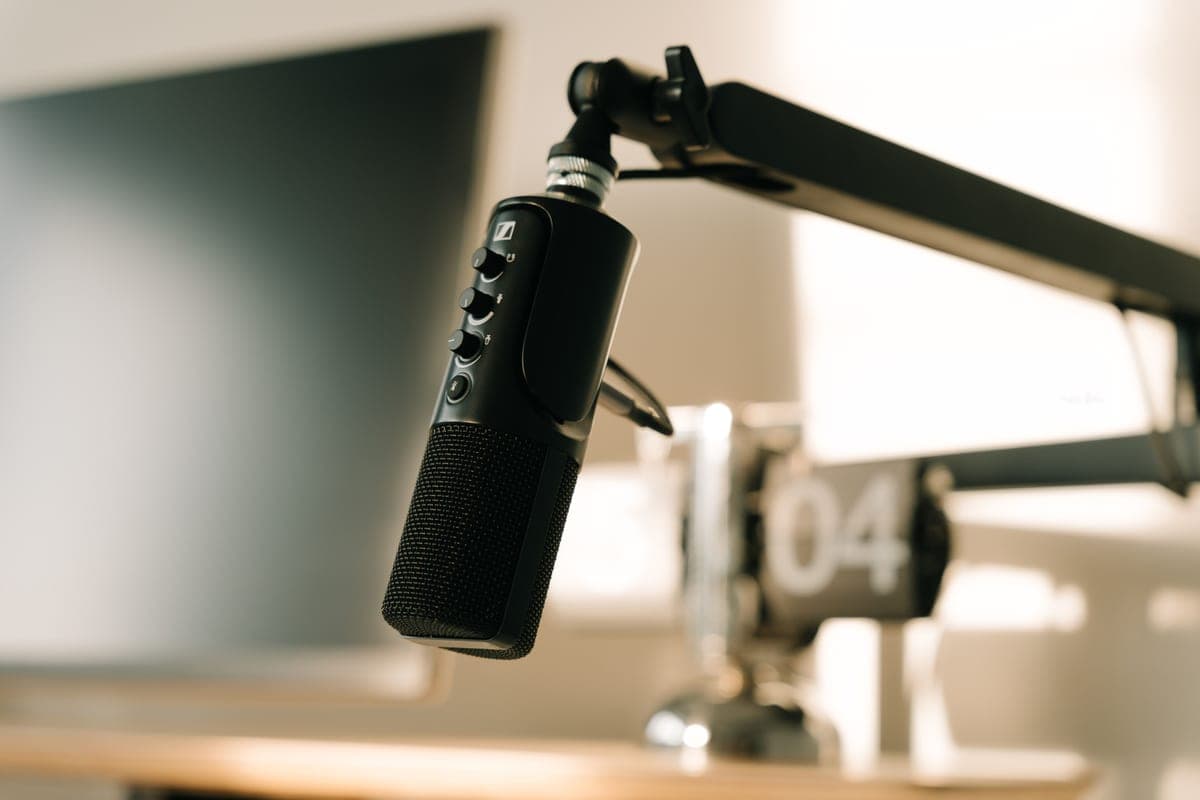
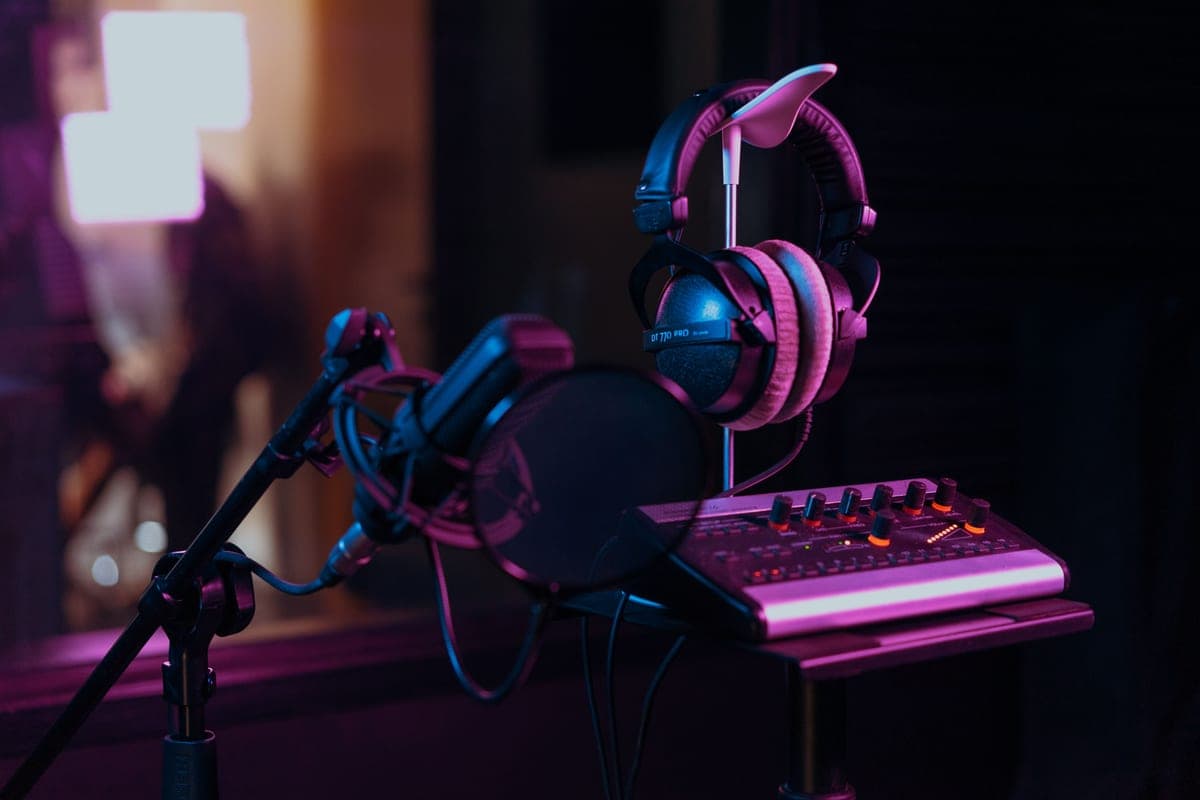
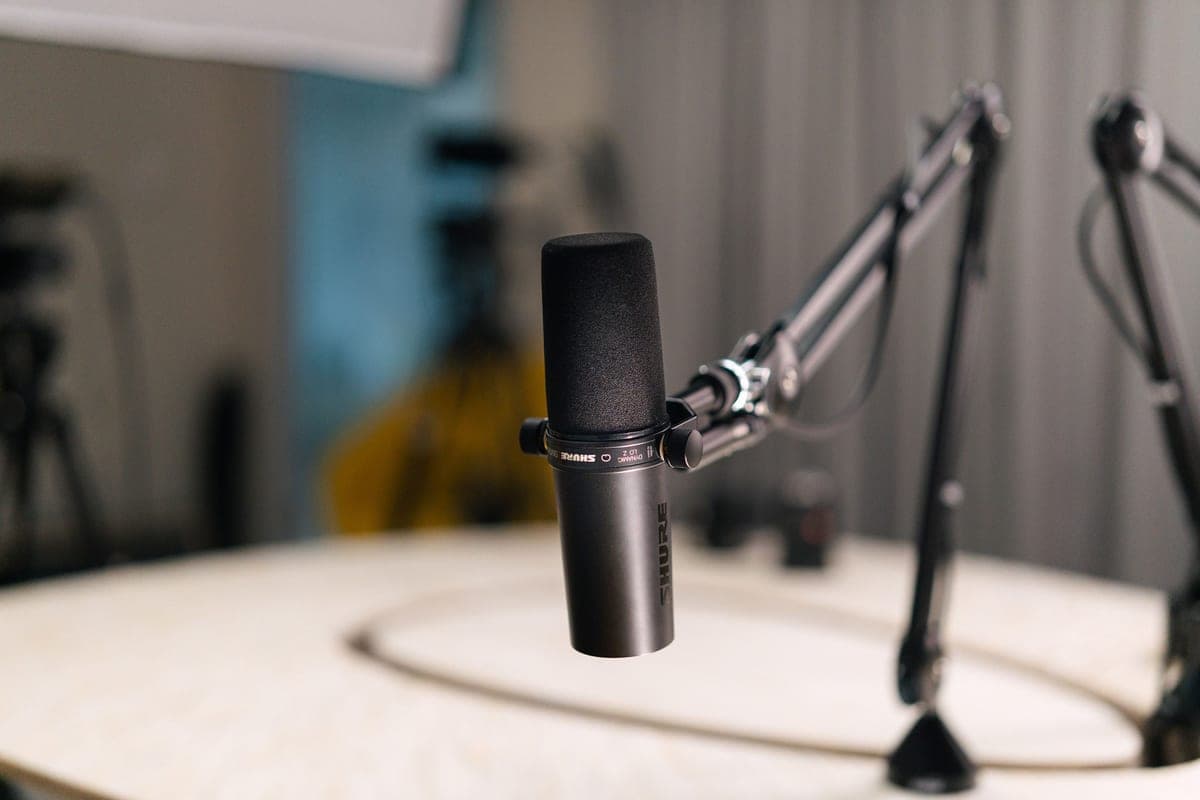
- A microphone. A dynamic if your room is untreated, a condenser if it is. Microphones — and dynamic vs condenser is the decision that comes first.
- A way to get it into the computer. An interface with enough published gain for the microphone you chose. Audio interfaces.
- Something to hold the microphone close to your mouth. An arm or a stand rated for its weight. Boom arm vs desk stand.
- A cable. One, at the length you need, with slack. Best XLR cables.
- Plosive control. A filter, a windshield, or a microphone with one built in. Best pop filters.
- Closed-back headphones. So your monitoring does not leak into the take. Best headphones for mixing.
- Something absorptive behind you. Two panels, or a duvet, or a reflection filter. Acoustic treatment.
- Recording software. Any DAW. This is genuinely not where your quality limit is, and free options are fine.
- FREE: a position that is not the middle of the room and not facing a bare parallel wall.
- FREE: the discipline to work close to the microphone. A hand's width, every take.
The two free items at the bottom are at the bottom because they are free, not because they matter least. In practice they are the difference between a recording that sounds like a home studio and one that does not, and they are the two things most people skip.
The order to buy in, and why it is not the obvious one
- Interface first. Counter-intuitive, and correct: its published gain ceiling constrains which microphones are viable, so choosing the microphone first can invalidate the choice.
- Microphone second, chosen against that gain figure. How much clean gain do you need is the table.
- Mount third, rated for the microphone plus anything hanging off it.
- Cable and filter fourth. Cheap, and needed.
- Headphones fifth, if you do not already have usable closed-backs.
- Treatment throughout. Do the free parts immediately; buy panels as soon as you can. This is where the largest remaining improvement lives.
What you do not need
- A mixer. Not for one voice. Audio interface vs mixer covers where one makes sense, and it is not here.
- Studio monitors, to record. They are for mixing, and in an untreated room headphones are the more honest tool.
- A booster, unless your specific microphone-and-interface pairing needs one. Choose a pairing that does not and you have saved a purchase.
- A vocal booth. A small enclosed box sounds like a small enclosed box. Two panels in a normal room beat it.
- Expensive cables, in a quiet electrical environment. They are a fix for a diagnosed interference fault.
- Paid DAW software, to start. Free options are entirely capable of professional results.
What to buy
A complete first chain
A dynamic that works without a booster, the interface with the most published gain per dollar, an arm rated for the weight, and closed-back headphones that any output can drive.
Rode PodMic
Top pickRode · The best value in a broadcast dynamic
The pick for most people upgrading from a USB mic: it gets you 90 percent of the broadcast-dynamic sound without the booster arithmetic. Choose the SM7B instead if your voice is already bass-heavy and you want the bass-rolloff switch.
Why it is here
- At -57 dBV/Pa it needs about 2 dB less gain than an SM7B, which is enough to matter on a 58 dB interface
- Internal pop filter means one less thing clamped to your arm
- All-metal body at a fraction of the SM7B's price
What it costs you
- Voiced with more low-mid weight than the SM7B, so a boomy voice can get boomier
- No voicing switches, so you fix tone in the DAW rather than on the mic
- Still low enough output that a 55 dB interface will be working hard
Focusrite Scarlett 2i2 (4th Gen)
Focusrite · The most gain per dollar in a two-input box
The default answer for someone buying an SM7B or PodMic: it supplies enough clean gain that you never need a booster, which makes it the cheaper total purchase even when it is not the cheaper box. Look elsewhere only if you need MIDI or four outputs.
Why it is here
- 69 dB is the most gain of any interface at this price, and enough for an SM7B with headroom to spare
- 120 dB dynamic range means the converters are not the weak link
- Two inputs, so a second person does not mean a second purchase
What it costs you
- Air mode is a fixed voicing, not an EQ you can dial
- Plastic-and-metal build feels less solid than the SSL or Audient competition
- No MIDI, which matters if you also play keys
Rode PSA1+
Rode · The quietest arm that holds a heavy mic
The right arm for a broadcast dynamic: quiet, and rated for the weight you will actually hang on it. If the arm appearing on camera is your problem, a low-profile arm solves that instead.
Why it is here
- Damped springs and a neoprene sleeve mean it does not creak or ping into a live mic
- 1.2 kg capacity covers an SM7B with a booster and a pop filter hanging off it
- Internal cable routing keeps the XLR out of the shot and out of the way
What it costs you
- 94 g minimum means a very light mic will not hold position
- Arcs up and over, so it can sit in a webcam frame
- Costs more than most of the mics people mount on it
Beyerdynamic DT 770 Pro (80 ohm)
Beyerdynamic · Tracking with a live mic in the room
The right headphone for recording, where leakage is the problem you are solving. For mixing decisions, an open-back pair will tell you more truth about depth and reverb.
Why it is here
- Closed-back, so nothing leaks into an open microphone two feet away
- 80 ohms drives properly from any interface headphone output on this site
- Every wear part is a user-replaceable spare, which is why these last a decade
What it costs you
- A lifted top end that flatters detail and misleads on sibilance decisions
- Closed-back soundstage narrows your sense of reverb depth
- Velour pads get warm over a long session
Setting it up on day one
- Position yourself out of the room's center, facing down the long dimension, not at a bare parallel wall.
- Mount the microphone a hand's width from your mouth, slightly off-axis so you are not speaking straight into the capsule.
- Set the interface gain so normal speech peaks around -12 dBFS. Note where the knob ends up.
- Record thirty seconds of silence, normalize it, and listen. Hiss means a gain problem; room noise means a noise problem; neither is fixed by the other.
- Put something absorptive behind you and record the same thing again. The difference will tell you what treatment is worth to you.
What limits you after all this
In almost every case, the room. Once the chain works and the levels are right, the remaining difference between a home recording and a professional one is reflections and background noise — neither of which is a gear problem. How to treat a room for recording is where the next real improvement is.